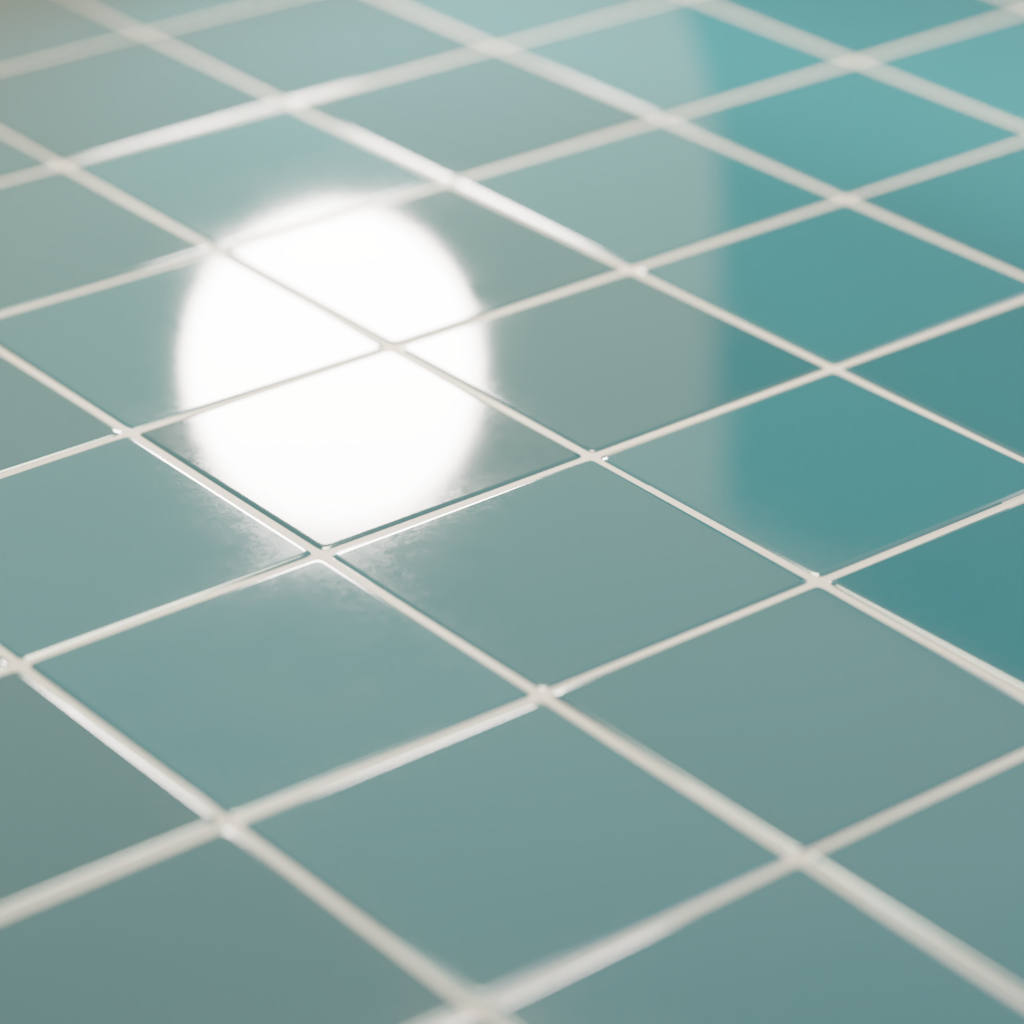
Aging Tiles
Technical Details
Render Engines Compatibility: Cycles & Eevee
Requires Displacement: Yes
Requires UVs: Yes
Processing/Complexity: Medium
Can be baked: Yes (How to bake materials)
Parameters (Cycles)
▼ TILES
Color: Main Color
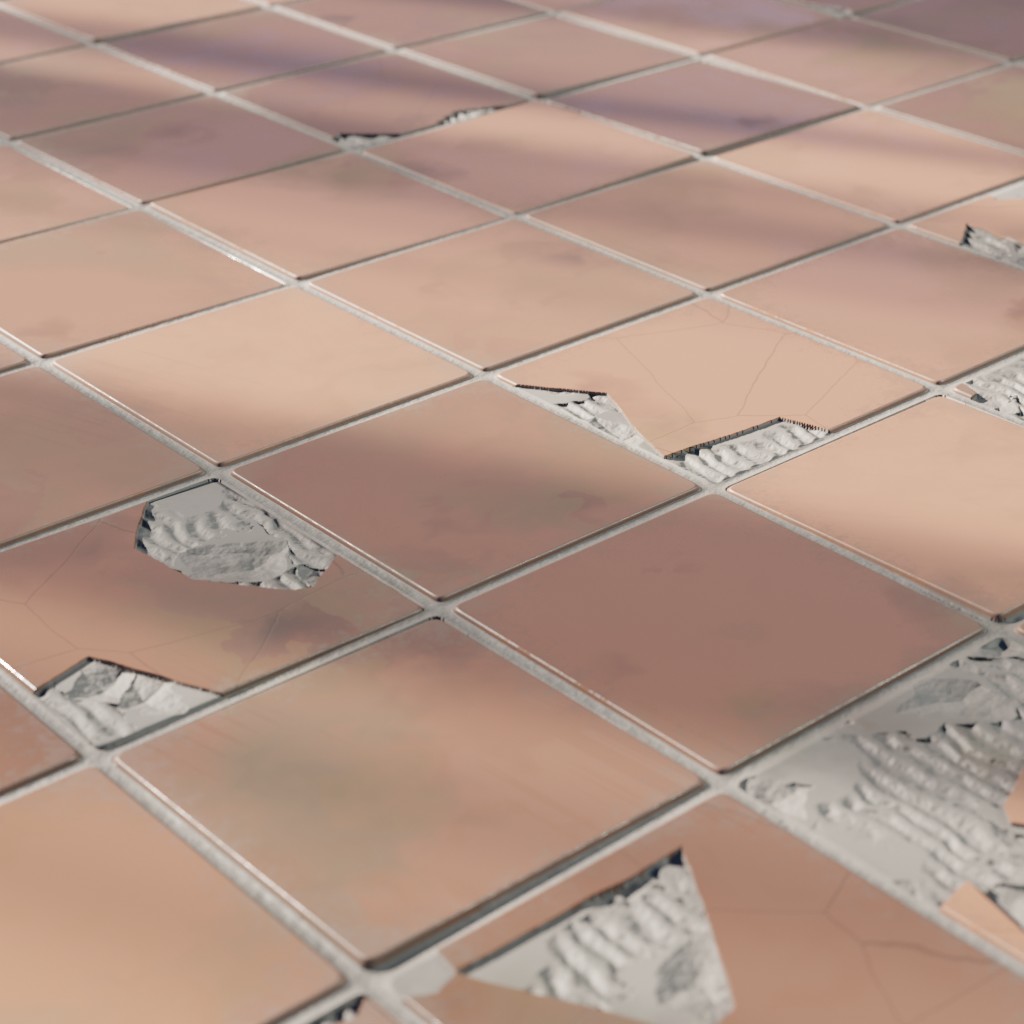
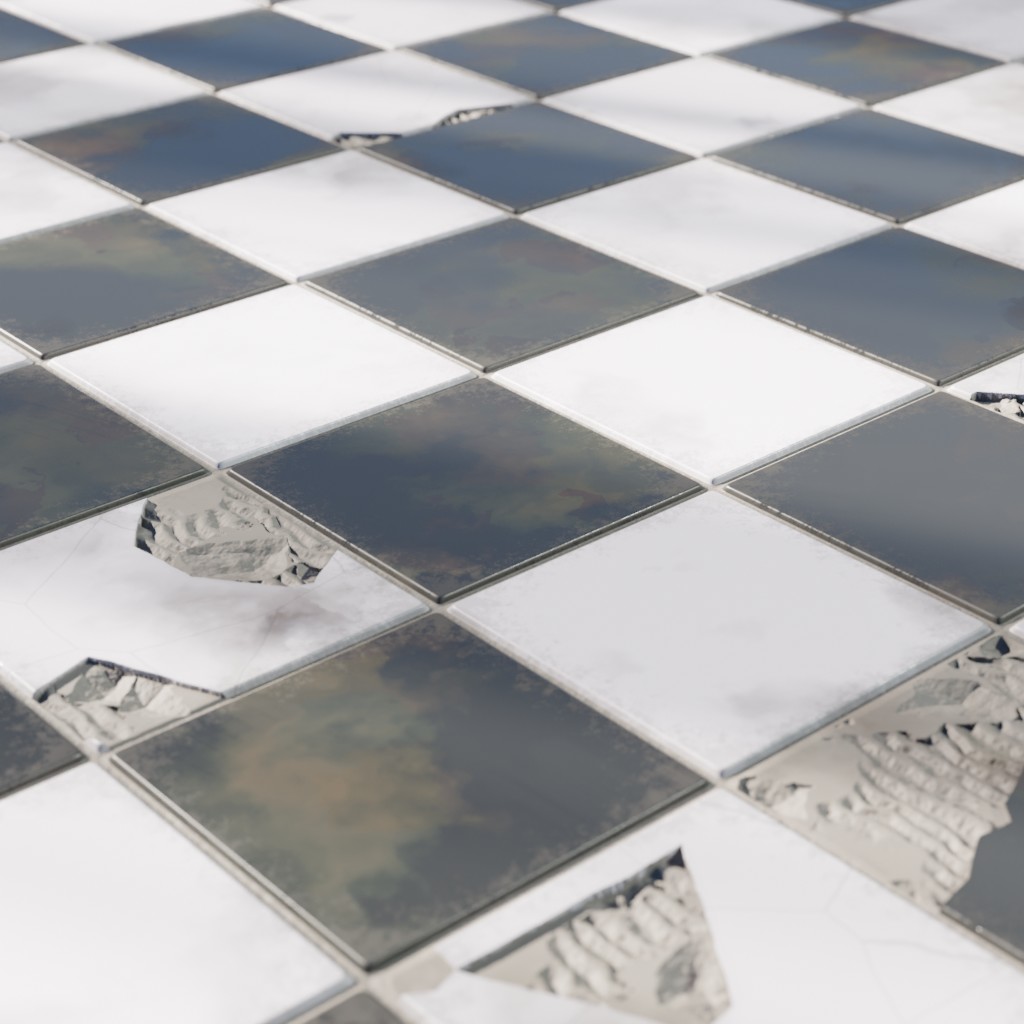
Plain / Checkers: Switches between plain tiles and checkers tiles.
Color 2 (checkers): When Checkers pattern is active this is the alternative color
Color Variation: Makes each tile a bit different in color
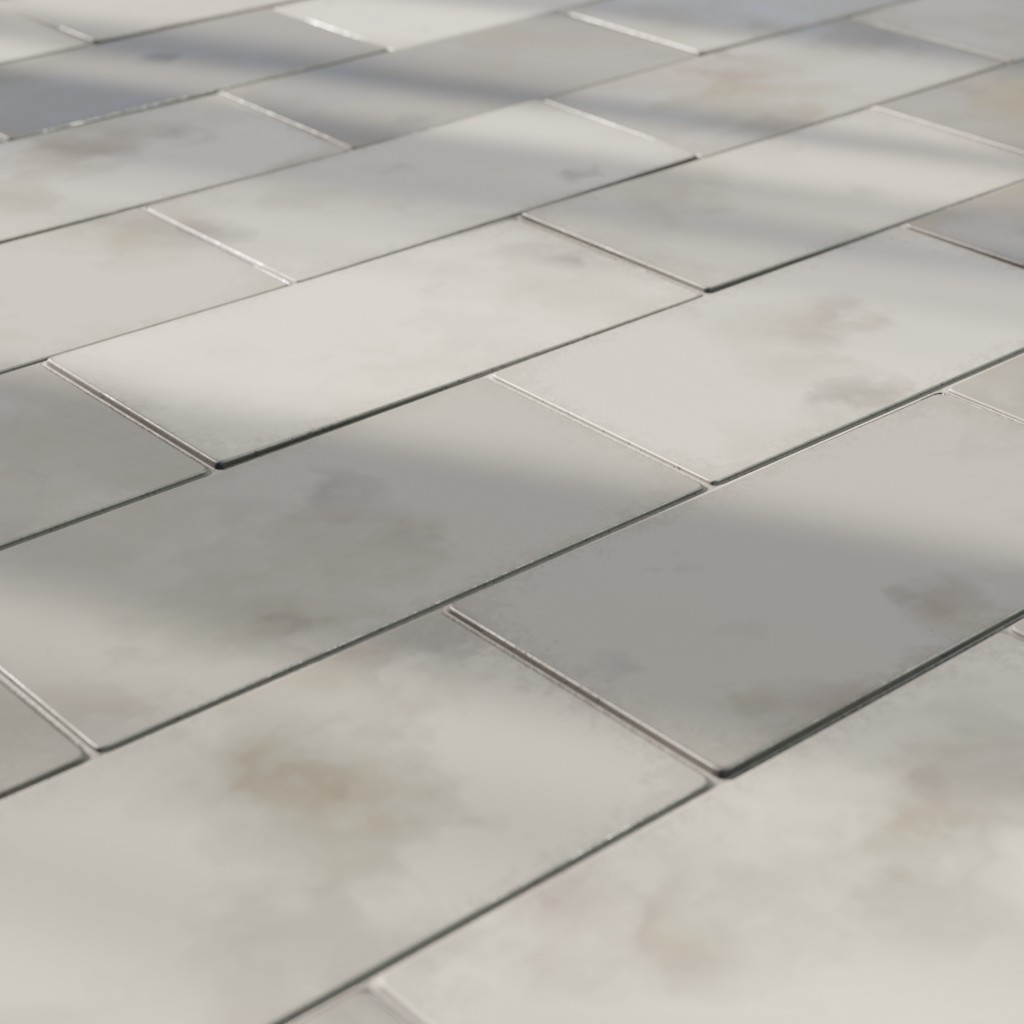
Size X: Tile width (relative to the material scale)
Size Y: Tile height (relative to the material scale)
Rotation: Rotates tiles
Offset: Offsets every other row by a fraction of the tile width
Roughness: Tiles Roughness
Corners: Makes tiles corners round
Profile: Controls tiles profile
Tilted Tiles: Tilted tiles ratio (how many tiles are tilted)
Tilt Strength: How strong is the tilt on the affected tiles
Damaged Tiles: Adds damage on the tiles surface
Missing Pieces: Controls the amount of missing pieces on the tiles surface
▼ MORTAR
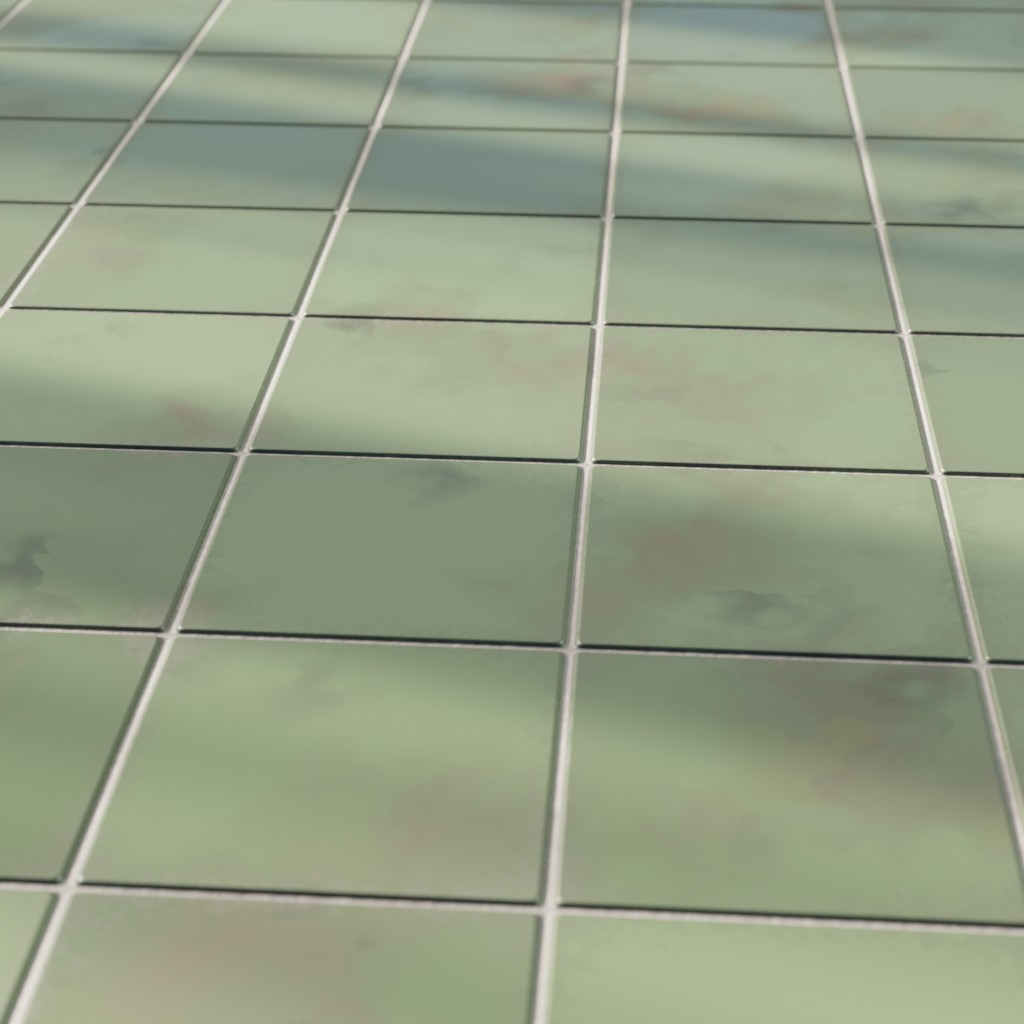
Mortar: Mortar thickness
Color: Main Color
Roughness: Tiles Roughness
▼ DIRT
Color: Main Color
Distance: Dirt distance
Strength: How strong is the tilt on the affected tiles
▼ GRIME
Moisture: Adds moisture to the mortar
Big Stains: Big stains intensity
Big Stains Color 1: Big Stains Color 1
Big Stains Color 2: Big Stains Color 2
Big Stains Seed: A specific seed for the big stains
Big Stains Roughness: Big Stains Roughness
Small Stains: Small stains intensity
Small Stains Seed: A seed for small stains distribution.
Small Stains Roughness: Small Stains Roughness
Roughness Variation / Tile: Variates the roughness per tile
Roughness Grunge: Adds grunge to the roughness
▼ OTHERS
Scale: overall material scale
Bump: Multiplier for the bump
Displacement: Multiplier for the displacement
Seed: A specific seed for the big stains
vector: An input where you can replace the default vector, you can for example plug a UV Map node with a Mapping node or any other texture coordinate.
Adjusting mapping and stretched textures
Parameters (Eevee)
▼ TILES
Color: Main Color
Plain / Checkers: Switches between a plain tile layout and a checkers layout.
Color 2 (checkers): When Checkers pattern is active this is the alternative color
Color Variation: Makes each tile a bit different in color
Size X: Tile width (relative to the material scale)
Size Y: Tile height (relative to the material scale)
Rotation: Rotates tiles.
Offset: Offsets every other row by a fraction of the tile width
Roughness: Tiles Roughness
Corners: Makes tiles corners round
Profile: Controls tiles profile
Damaged Tiles: Adds damage on the tiles surface.
Missing Pieces: Controls the amount of missing tiles.
▼ MORTAR
Mortar: Mortar thickness
Color: Main Color
Roughness: Tiles Roughness
▼ DIRT
Color: Main Color
Distance: Dirt distance
Strength: Increases the intensity of dirt
▼ GRIME
Roughness Variation / Tile: Variates the roughness per tile
Roughness Grunge: Adds grunge to the roughness
▼ OTHERS
Scale: overall material scale
Bump: Multiplier for the bump.
Seed: Gives different results using the same parameters
vector: An input where you can replace the default vector, you can for example plug a UV Map node with a Mapping node or any other texture coordinate.
Adjusting mapping and stretched textures
User's Gallery
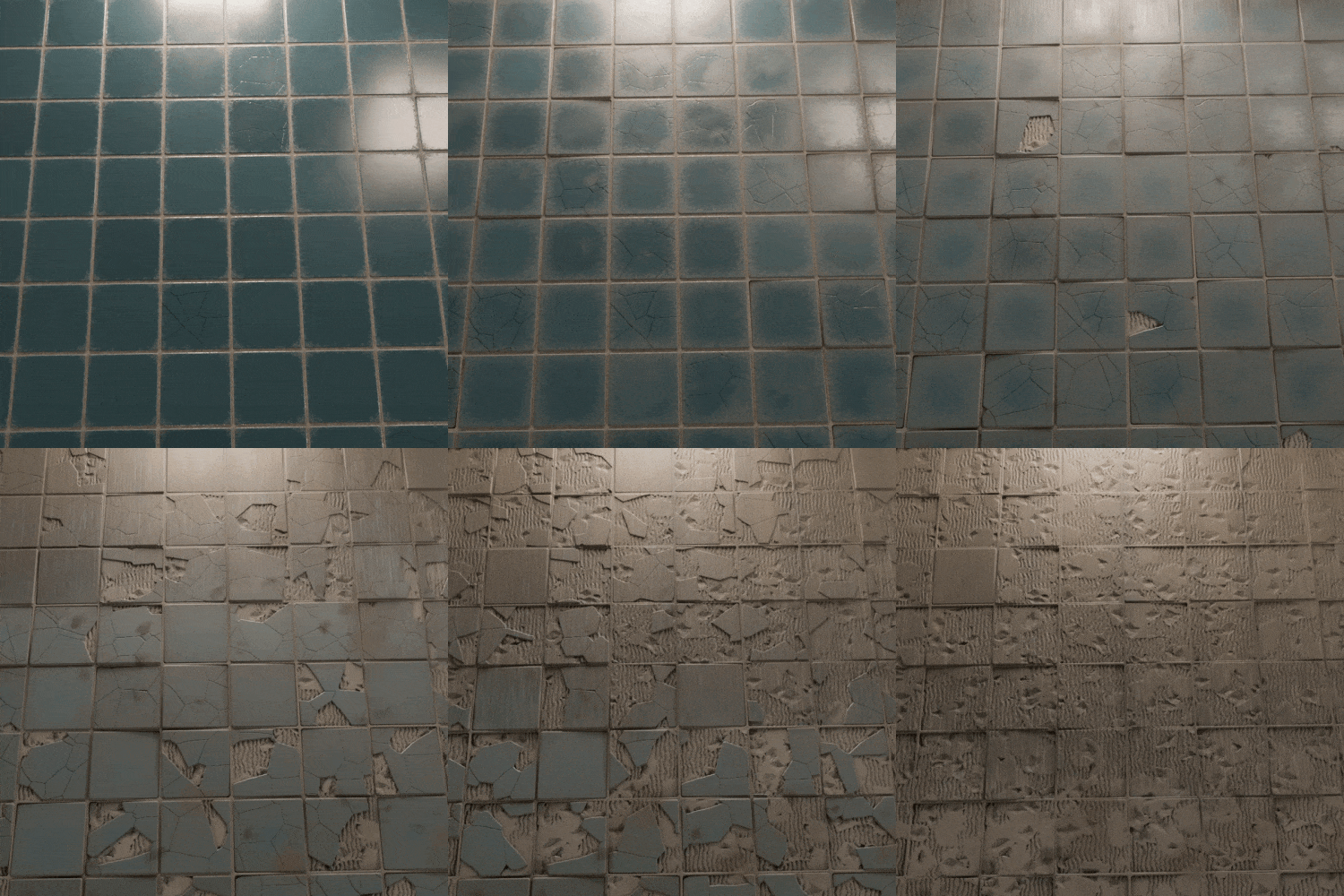
Render by Sanctus
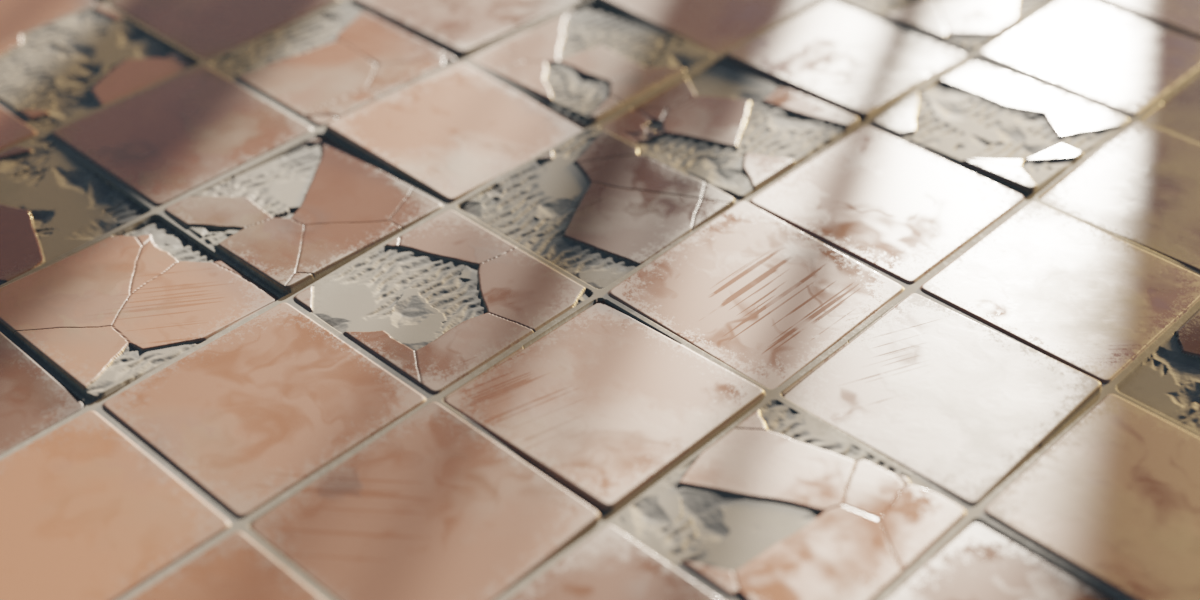
Render by Sanctus
Have your render featured here!
Do you want to be featured? Submit a render using this asset to our Discord