Herringbone Flooring E
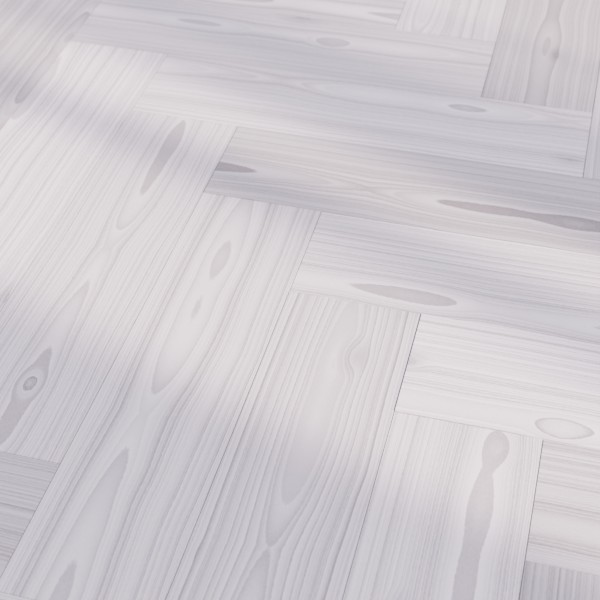
Technical Details
Asset Type: Geometry Nodes Asset
Usage
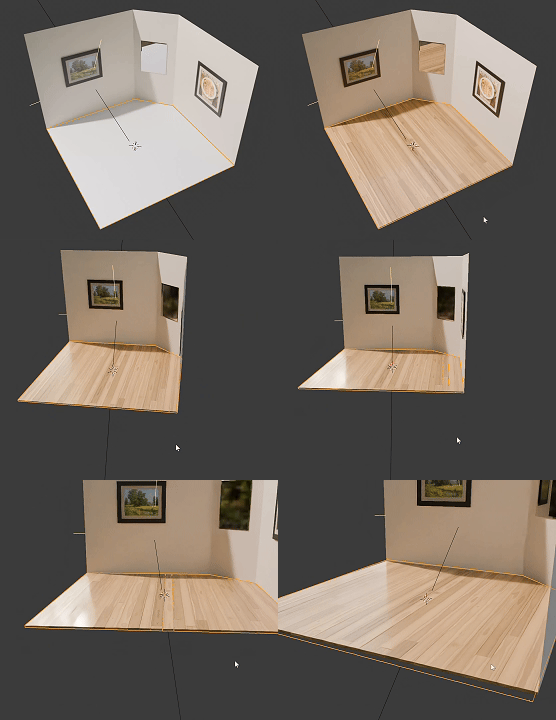
Select your MESH target object, use the Apply to Mesh button in the Addon panel to add this asset to your scene.
How to use
Apply to simple geometry to transform it into plank flooring non-destructively, you can still alter the base mesh later.
Remove the modifier to apply a new one.
Parameters
Seed: Gives different results using the same parameters
Failsafe: Activates and Disables the failsafe
Limit: If the target object has more than these amount faces the generator will not execute
▼ WOOD MATERIAL
Color 1: Color 1
Color 2: Color 2
Plank Variation: Color variation per instance
Wood Roughness: Roughness
Wood Coating: Wood finish
▼ WOOD TEXTURE
Random Offset Texture: Randomly offset wood texture on each instance in a different direction to add variation
Along Grain Scale: Scale wood texture along grain
Rings Scale: Scale wood texture across grain
Overall Scale: Overall Wood Texture scale
Distortion: Scale texture uniformly
▼ KNOTS
Knots Amount: Amount of knots in the wood texture
Knots Intensity: Knots intensity
Knots Scale: Knots scale
▼ PLANKS SIZE
Planks Width: Planks Width
Planks Pattern: How many times the width enters in the length of the planks
Planks Height: Planks Height
Rotate Pattern: Rotates the pattern 45º per step
Material: The material used on the planks
▼ PLANKS POSITION
Planks Separation: Separation between planks
Panels Separation: The generator supports a small difference in angle in the target object to make slight slopes, it will separate it into different "islands" and you can control the separation between them with this parameter to avoid collision
▼ PLANKS ROTATION
X Probability: X axis rotation probability for each plank to be affected (0 no planks are affected, 1 all planks are affected)
X Factor: X axis rotation intensity for the affected planks
Y Probability: Y axis rotation probability for each plank to be affected (0 no planks are affected, 1 all planks are affected)
Y Factor: Y axis rotation intensity for the affected planks
User's Gallery
Have your render featured here!
Do you want to be featured? Submit a render using this asset to our Discord