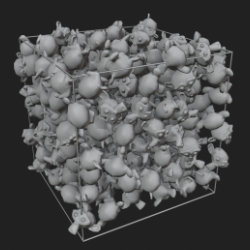
Fill Volume
Technical Details
Asset Type: Geometry Nodes Asset
Usage
Select your MESH target object, use the Apply to Mesh button in the Addon panel to add this asset to your scene.
Parameters
Instance Collection: The collection that has the objects to fill the target object
Show Container: Shows the container wireframe for better visualization
Seed: Gives different results using the same parameters
Realize Instances: Activate this Only before applying the modifier to convert instances to mesh. (It may take some processing time)
▼ POSITION
Density: Maximum Density
Min Distance: Minimum distance between instances (calculated based on the largest object in the collection)
▼ ROTATIONS
Axis: Controls instances rotations
User's Gallery
Have your render featured here!
Do you want to be featured? Submit a render using this asset to our Discord