How to use
The addon adds a new panel named "SMapping" to the Shader Editor.
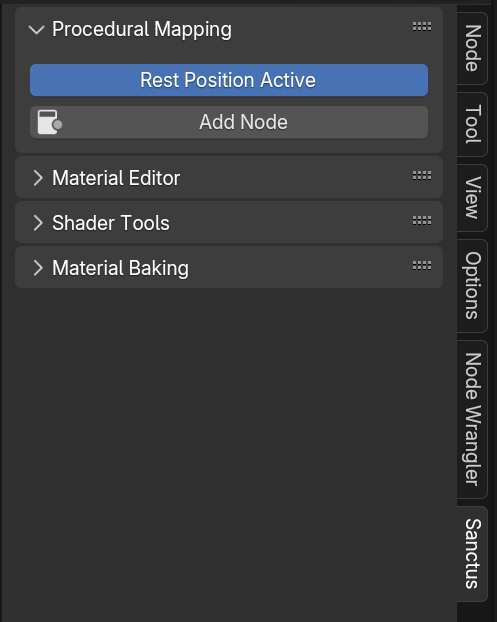
To function correctly, the object must have "Rest Position" enabled. If it's not active, simply click the button to activate it.
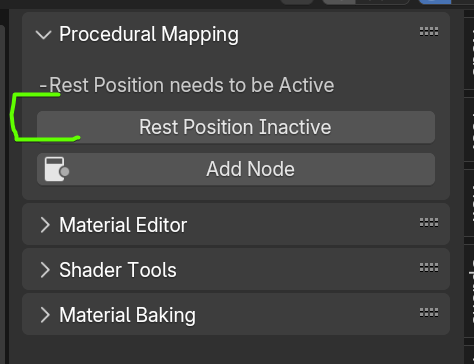
Then, click the "ADD NODE" button to append the Sanctus Procedural Mapping node to the shader editor.
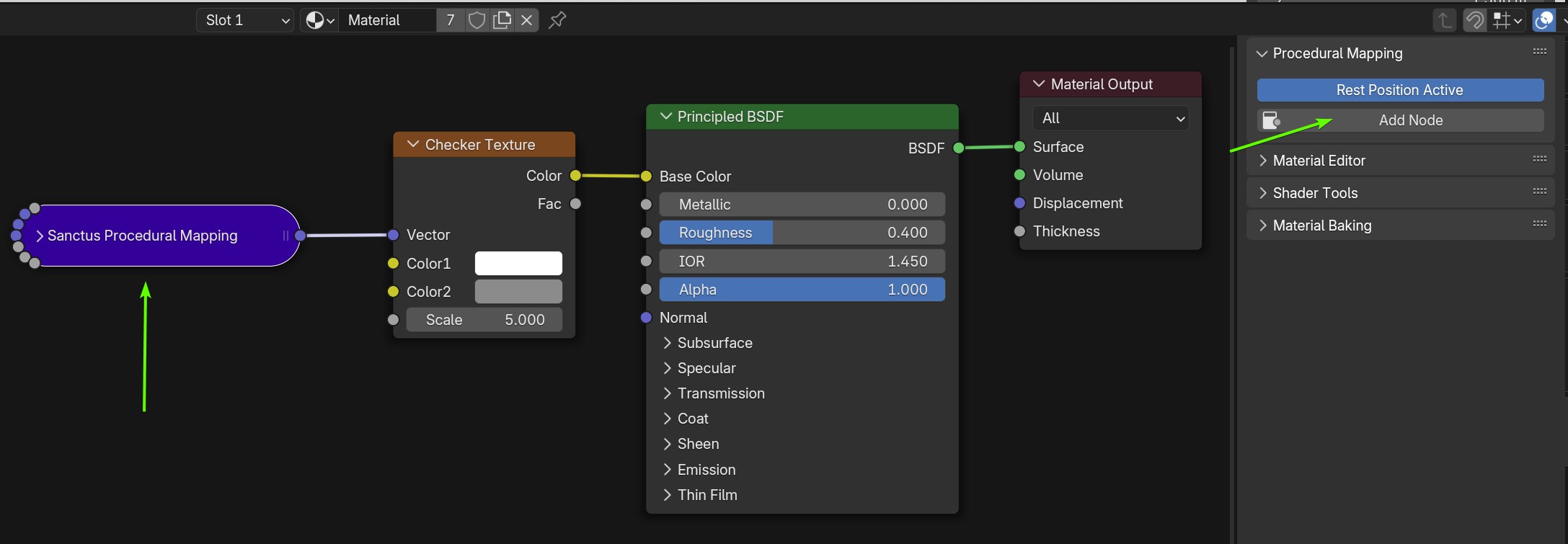
You can now use this node as a replacement for existing materials that use Generated or Object coordinates, or to create new procedural materials. Use the parameters (Location, Rotation, and Scale) to simultaneously adjust the scale and mapping of all affected nodes.
Using SPM with Objects created entirely inside a Geometry Nodes Node Group