Before you start
Wood Grain
It is crucial to understand that all the 3D wood materials in Wood Works include a parameter for controlling the direction of the wood grain. These materials are intended for use on objects that are conceptually crafted from a single piece of wood. The chosen axis for the wood grain will significantly influence the visual appearance of the object.
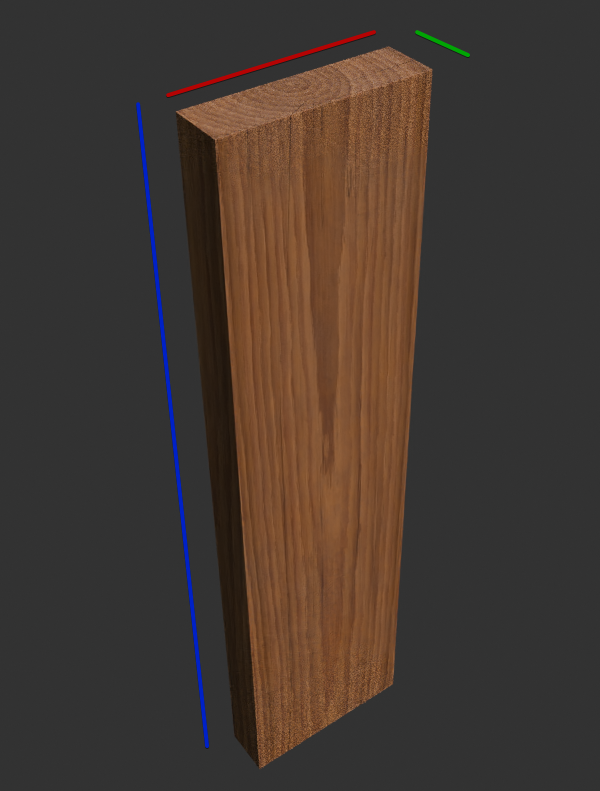
Consider this example with a simple shape to illustrate the concept. My object dimensions are 0.5 by 0.13 by 2. Here, I've selected the Z axis to represent the direction of the wood grain. This simulates carving/cutting the object from a tree aligned to the Z axis.
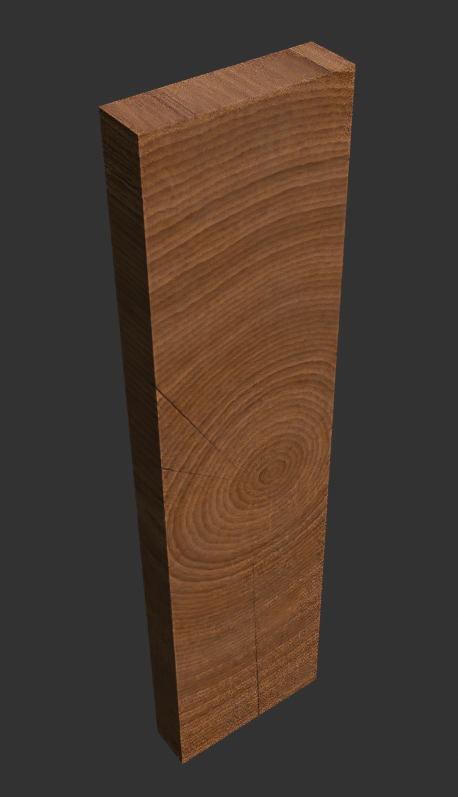
If the Y axis is selected, the appearance changes. This reflects carving or cutting the object from a tree aligned to the Y axis:
Dimensions
The materials are designed to function optimally with real-world scaled objects. However, it's essential to remember that some parameters may require adjustment depending on your object's specific dimensions. The distance for dust, edge wear, and the scale of the noise used in the paint peeling effects are particularly important considerations.
Carefully Crafted
3D SMART Wood Materials are engineered to avoid stretching when the object's dimensions change. This mirrors real-world behavior, where the source material (the tree) maintains consistent proportions. While this ratio can be adjusted via material parameters, once set, subsequent dimension changes won't distort the material.
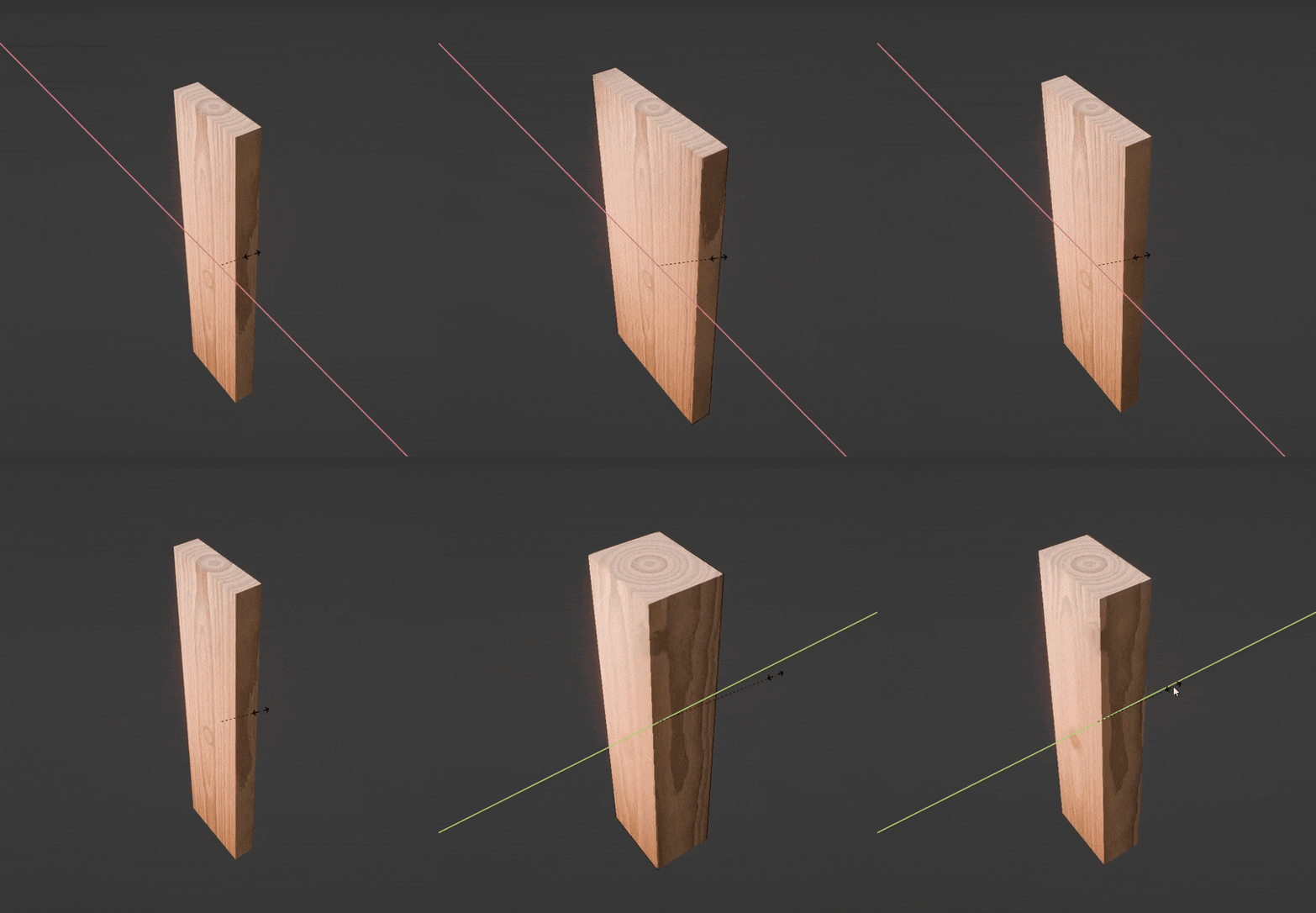
The parameters also grant the ability to "move" and "rotate" the virtual log from which the object was conceptually carved.