Sf Panel
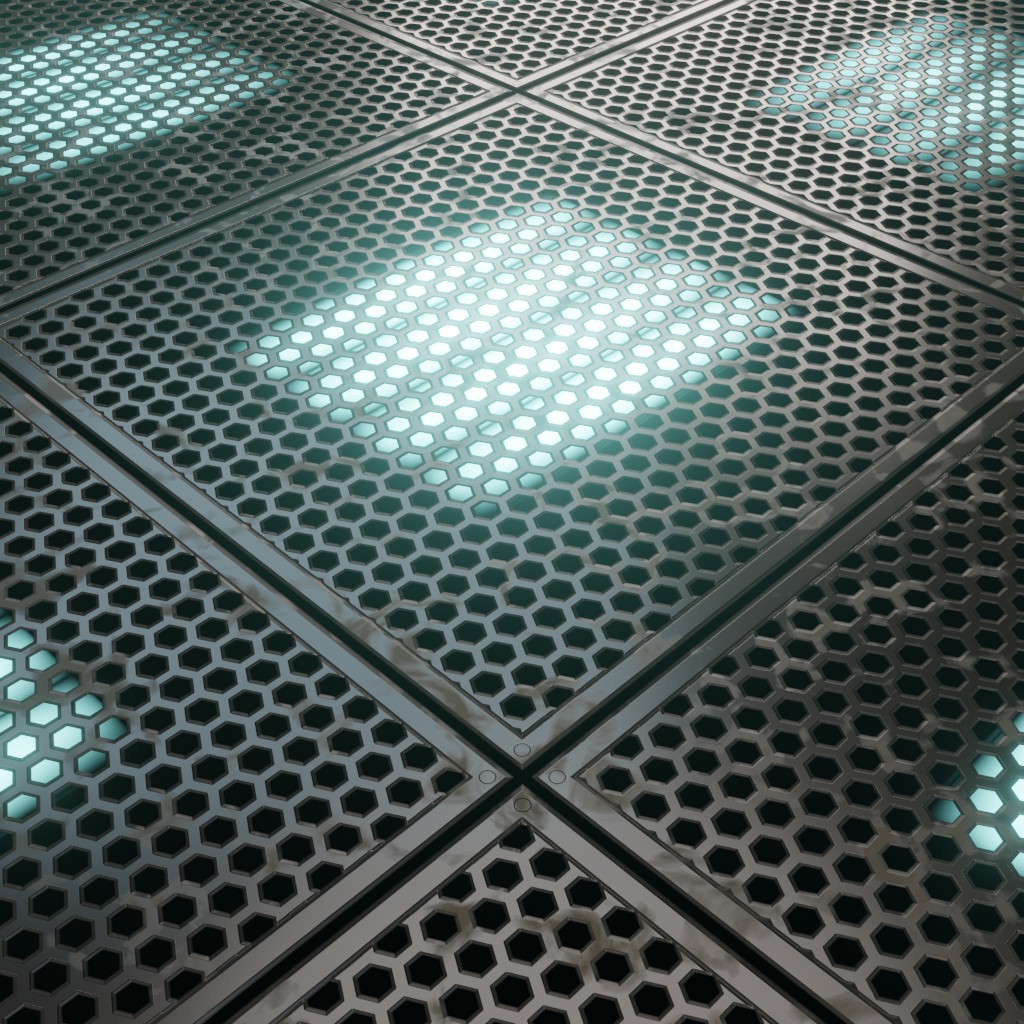
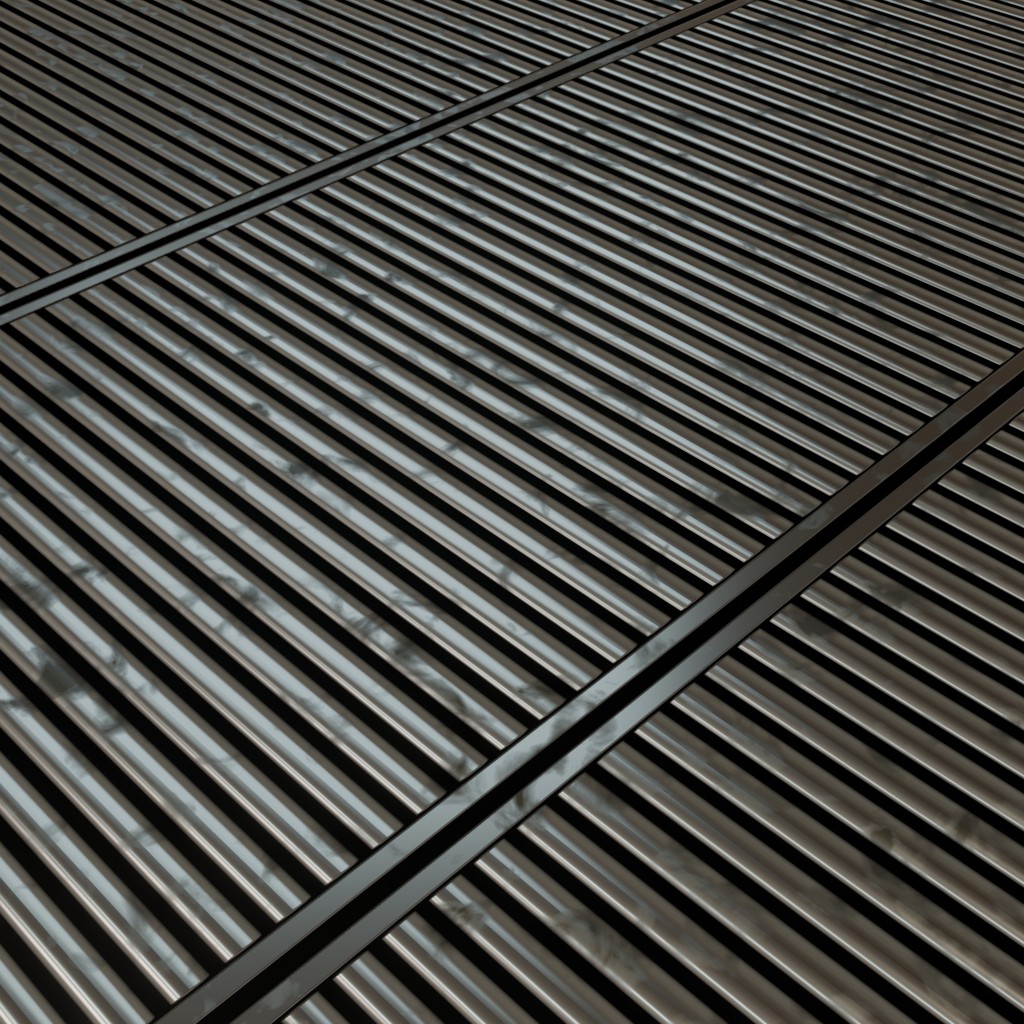
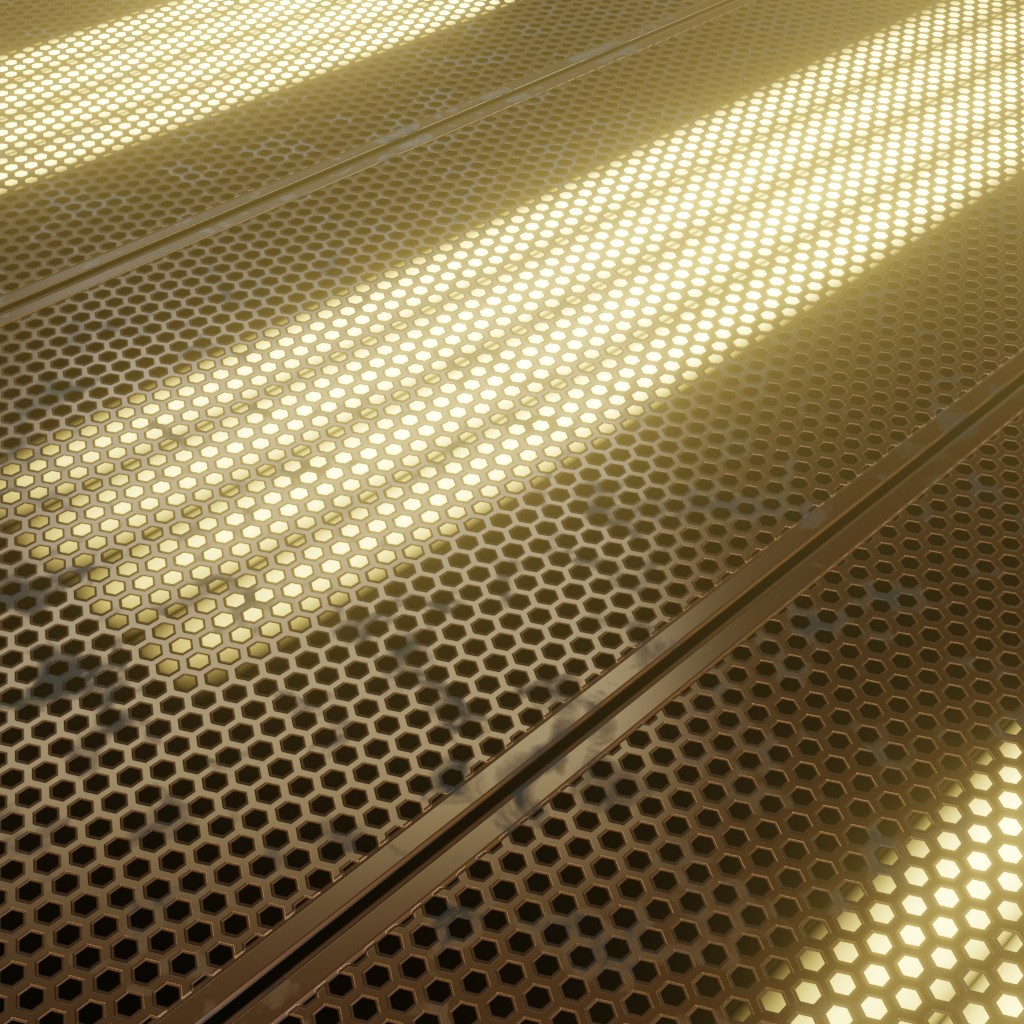
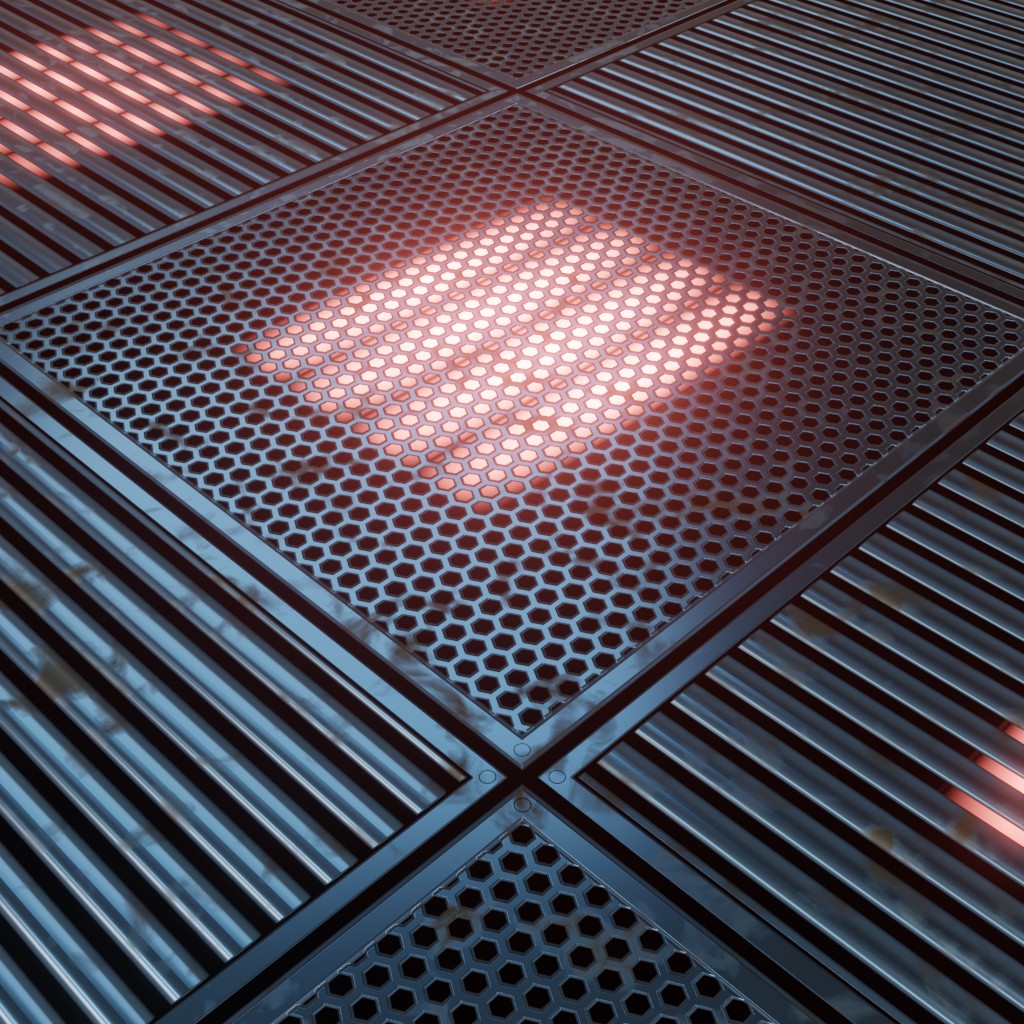
Technical Details
Render Engines Compatibility: Cycles & Eevee
Requires Displacement: No
Requires UVs: Yes
Processing/Complexity: Low
Can be baked: Yes (How to bake materials)
Parameters
▼ PANELS
Panel Width: Controls the width of the procedural panel structure.
Panel Height: Controls the height of the procedural panel structure.
Panel Type: Changes the visual style or pattern of the panel elements.
Metal Color: Color of the metallic elements within the panel design.
Metal Roughness: Roughness property of the metallic surfaces in the panel.
Hex Grid Scale: Controls the overall scale of the hexagonal grid pattern on the panel.
▼ LIGHTS
Lights: Adjusts the intensity or visibility of the integrated panel lights.
Lights Color: Defines the emitted color of the panel's integrated lights.
Lights Variation: Adds random variation to the brightness or color of the lights.
Missing Lights: Determines the amount of lights that appear missing or non-functional.
▼ GRIME
Grime: Adjusts the overall intensity and visibility of the grime on the panel.
Grime Color: Sets the color of the accumulated grime on the panel surface.
Grime Roughness: Controls the roughness of the grime texture, making it more or less reflective.
▼ OTHERS
Scale: Controls the overall material scale of the Sf Panel.
Seed: Gives different results using the same parameters for the Sf Panel.
Bump: Multiplier for the surface bump details of the Sf Panel material.
Vector: An input where you can replace the default vector, you can for example plug a UV Map node with a Mapping node or any other texture coordinate.
Adjusting mapping and stretched textures
User's Gallery
Have your render featured here!
Do you want to be featured? Submit a render using this asset to our Discord