Tiles On Surface A
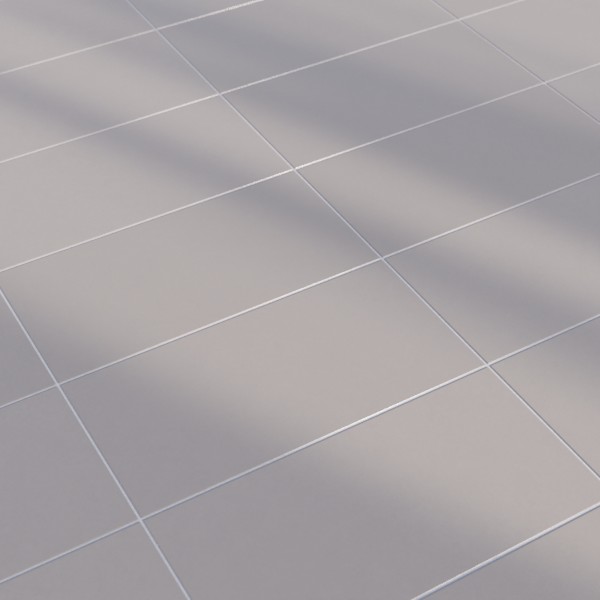
Technical Details
Asset Type: Geometry Nodes Asset
Usage
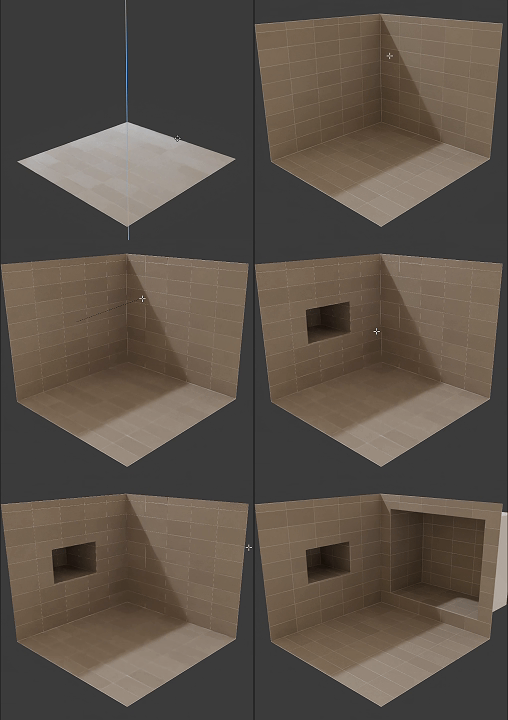
Select your MESH target object, use the Apply to Mesh button in the Addon panel to add this asset to your scene.
How to use
Apply to simple geometry to add tiles non-destructively, you can still alter the base mesh later.
Remove the modifier to apply a new one.
Parameters
Seed: A seed value to vary the tiles distribution.
Failsafe: A failsafe boolean to prevent infinite loops.
Limit: Limits the number of tiles generated.
▼ TILES SIZE
Tile Width: Controls the width of the individual tiles.
Tile Length: Controls the length of the individual tiles.
Tile Height: Controls the height of the individual tiles.
▼ TILES SURFACE
Tile Color: The base color of the tiles surface.
Tile Variation: Adds random color variation to the tiles.
Tile Roughness: Controls the roughness of the tiles surface.
Material: Material used in tiles (Tiles Surface Parameters will only work with the default material)
▼ GROUT
Grout Color: The color of the grout between the tiles.
Tiles Separation: Controls the amount of separation between the tiles.
Panels Separation: Controls the amount of separation between tile panels.
Material: Grout material
▼ TILES PATTERN
Offset Rows: Offsets every other tile row by a fraction of the tile width
X Offset Tiles: Offsets the tiles in the X direction.
Y Offset Tiles: Offsets the tiles in the Y direction.
Floor/Ceiling Alignment: Aligns tiles to the floor and ceiling, boolean switch.
User's Gallery
Have your render featured here!
Do you want to be featured? Submit a render using this asset to our Discord