Sf Panel V3
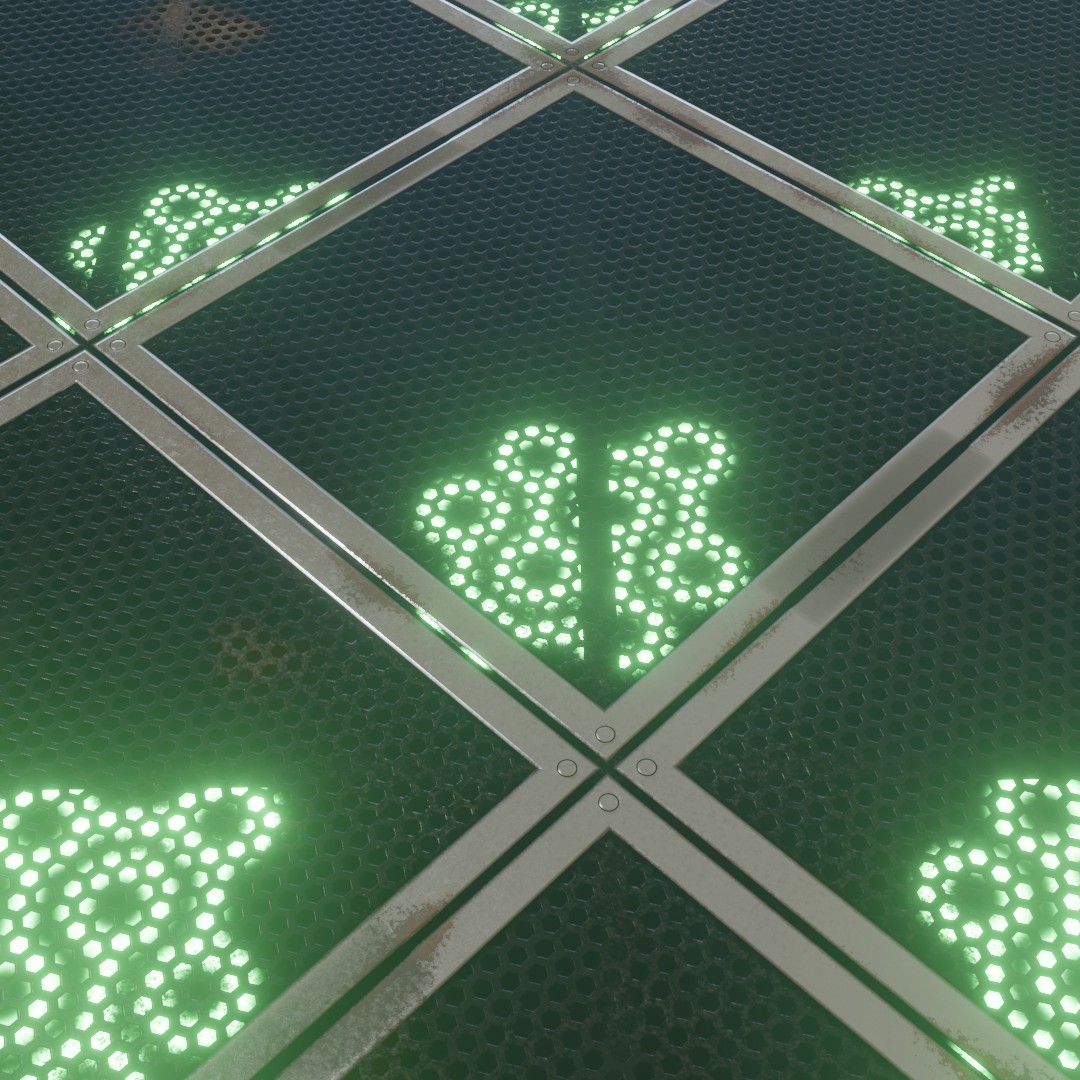
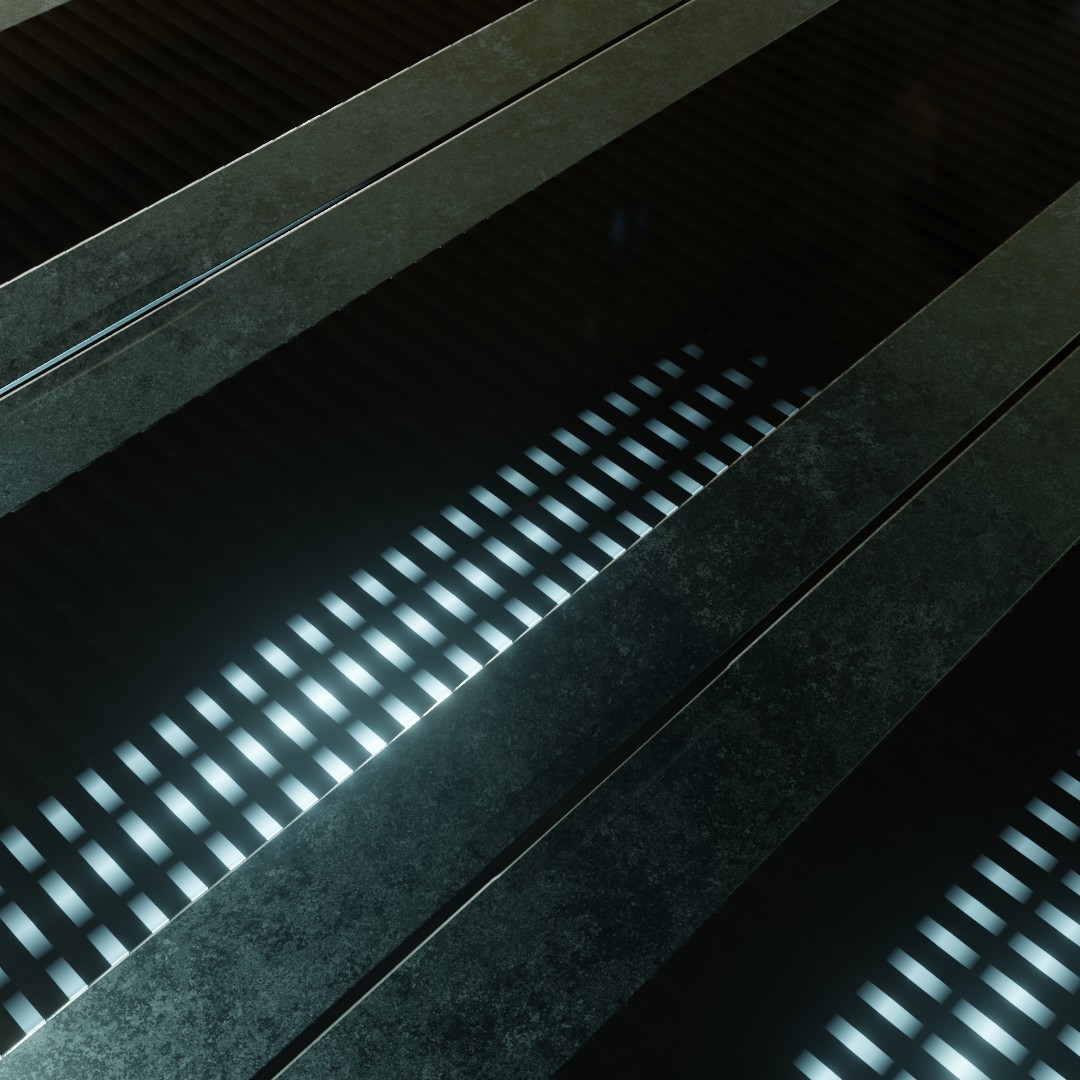
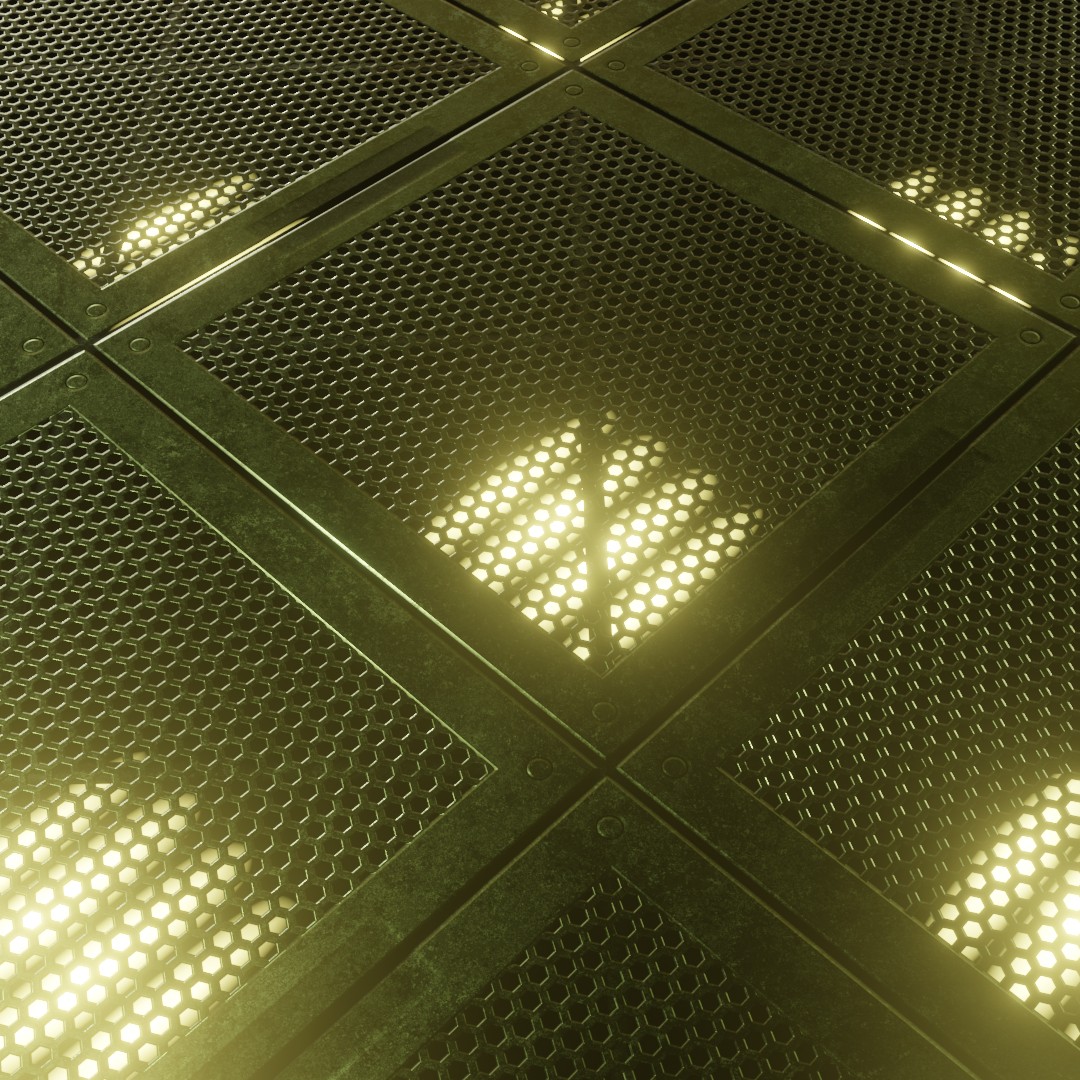
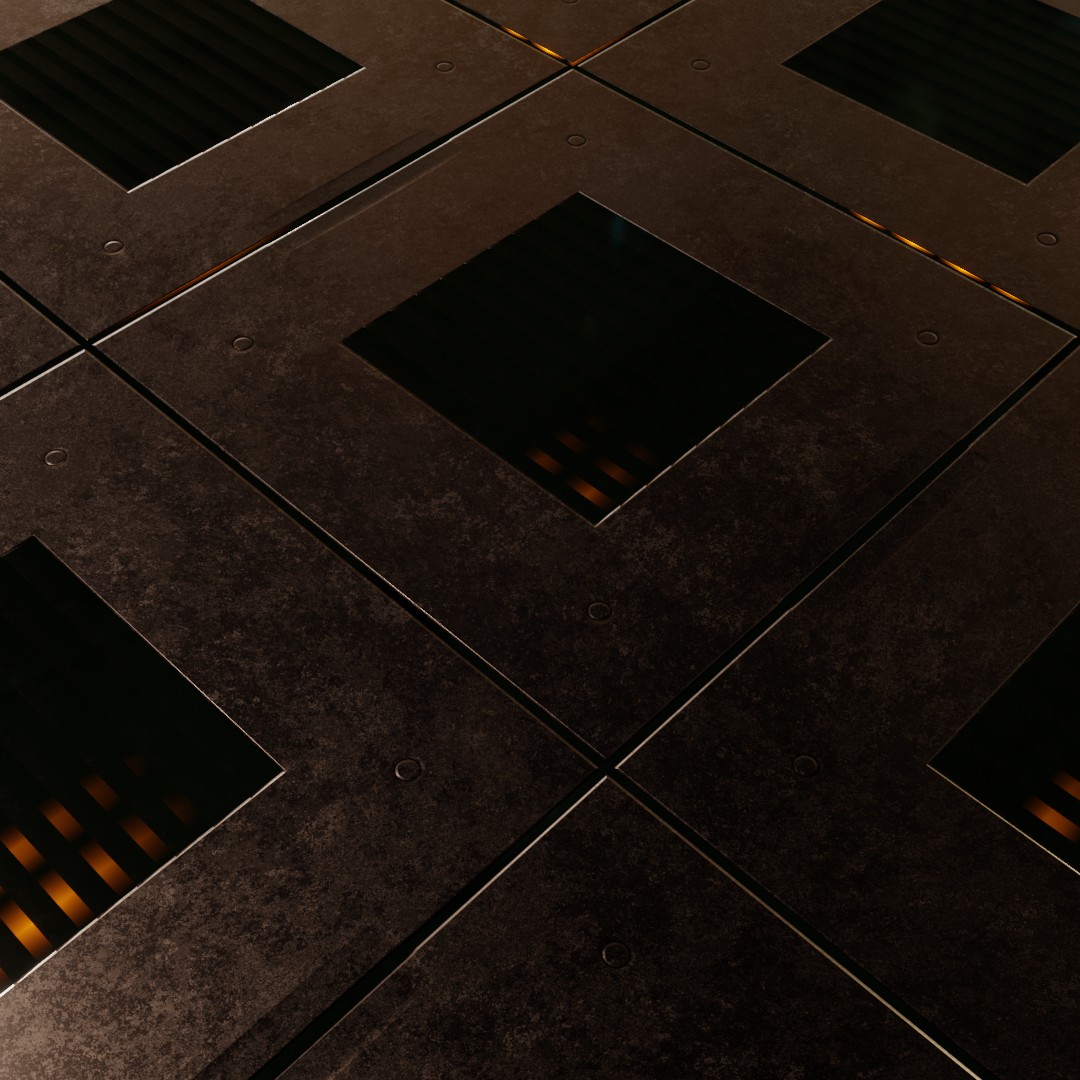
Technical Details
Render Engines Compatibility: Cycles & Eevee
Requires Displacement: No
Requires UVs: Yes
Processing/Complexity: Low
Can be baked: No
Parameters
▼ PANELS
Panel Width: Width of each panel (If the Scale of the material is set to 1 and the width of the panel is 0.5 it will fit 2 times)
Panel Height: Height of each panel (If the Scale of the material is set to 1 and the width of the panel is 0.5 it will fit 2 times)
Metal Color: The color for the metal parts of the panel
Metal Roughness: The roughness for the metal parts of the panel
Ambient Occlusion: Procedural Ambient Occlusion control (This is fake ambient occlusion, created procedurally and not related to the ambient occlusion node)
▼ LIGHTS
Lights Texture: The texture image used for the lights shape (use png with transparent background)
Lights: Lights Emission Strength
Lights Color: Lights Color
Lights Variation: Introduce variation in the lights intensity
Lights Parallax: How deep is the parallax effect for the lights
Missing Lights: Lights On/Off ratio (0 all lights are on.. 1 there are no lights on)
Replace Lights: at 0 it will use the default lights procedural texture, when set to 1 the image texture loaded in the "Replace Lights" custom group node
▼ PANEL DETAILS
Panel Type: switches between 2 types of panel (0 or 1)
Hex Grid Scale (Panel 0): Hex Grid scale when using panel 0
Cross Width (Panel 0): Controls the width of the cross pattern on Panel 0.
Open Vents (Panel 1): opens and closes the vents when using panel 1
Border Width: controls the width of the panels
Screw SIze: size of the screws in the corner of the panels
Dirt: Amount of dirt
▼ GLASS
Activate: on 0 there's no glass, on 1 it will add a glass to each panel
Color: The color for the metal parts of the panel
Roughness: The roughness for the metal parts of the panel
Transparency: Glass transparency
▼ OTHERS
Scale: overall material scale
Bump: Multiplier for the bump
Vector: An input where you can replace the default vector, you can for example plug a UV Map node with a Mapping node or any other texture coordinate.
Adjusting mapping and stretched textures
User's Gallery
Have your render featured here!
Do you want to be featured? Submit a render using this asset to our Discord