Mirroring Decals
When using the Mirror modifier in Blender, decal textures can also end up mirrored, with inverted text.
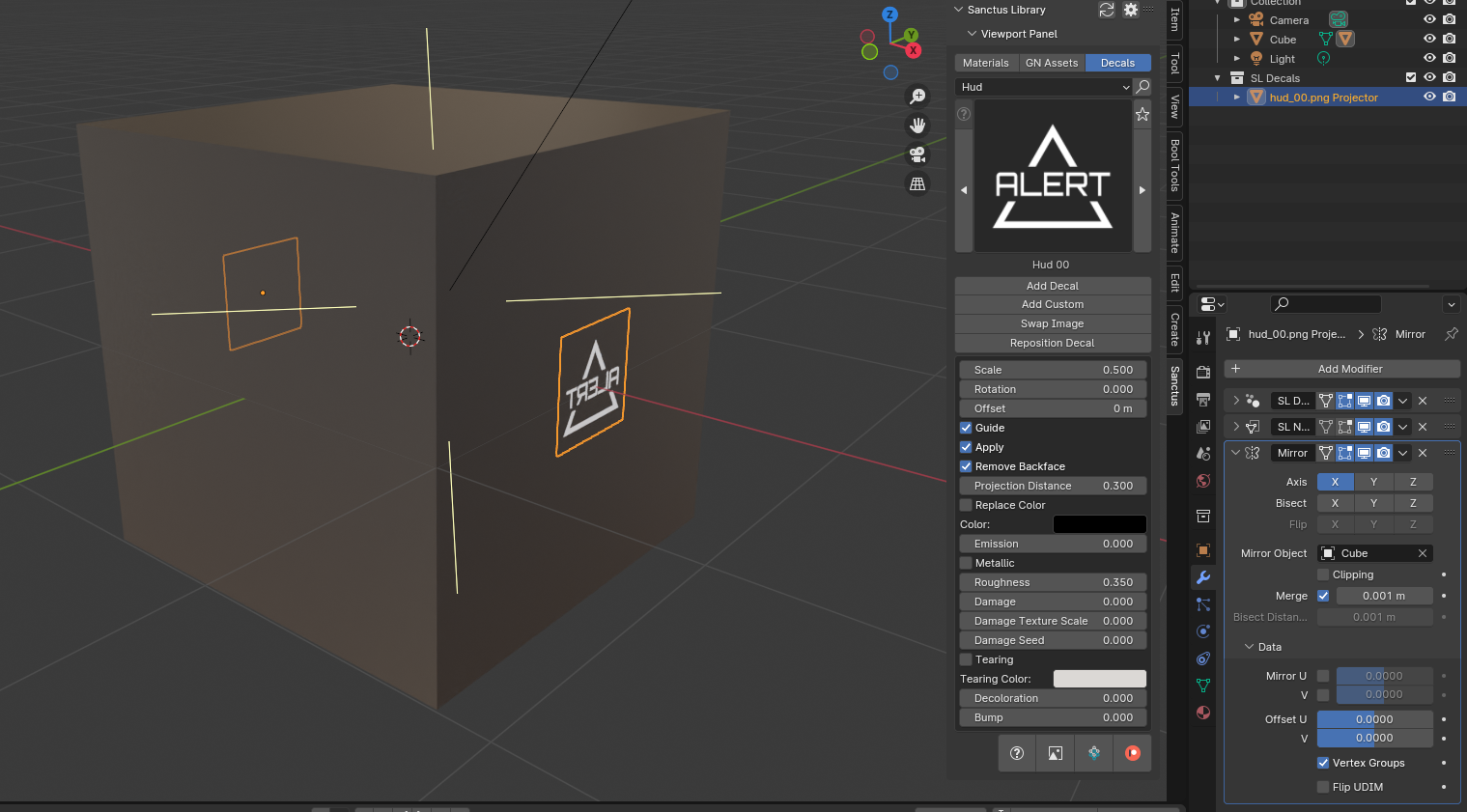
To correct this, use the Data Transfer section of the Mirror Modifier to mirror the decal's UV coordinates.
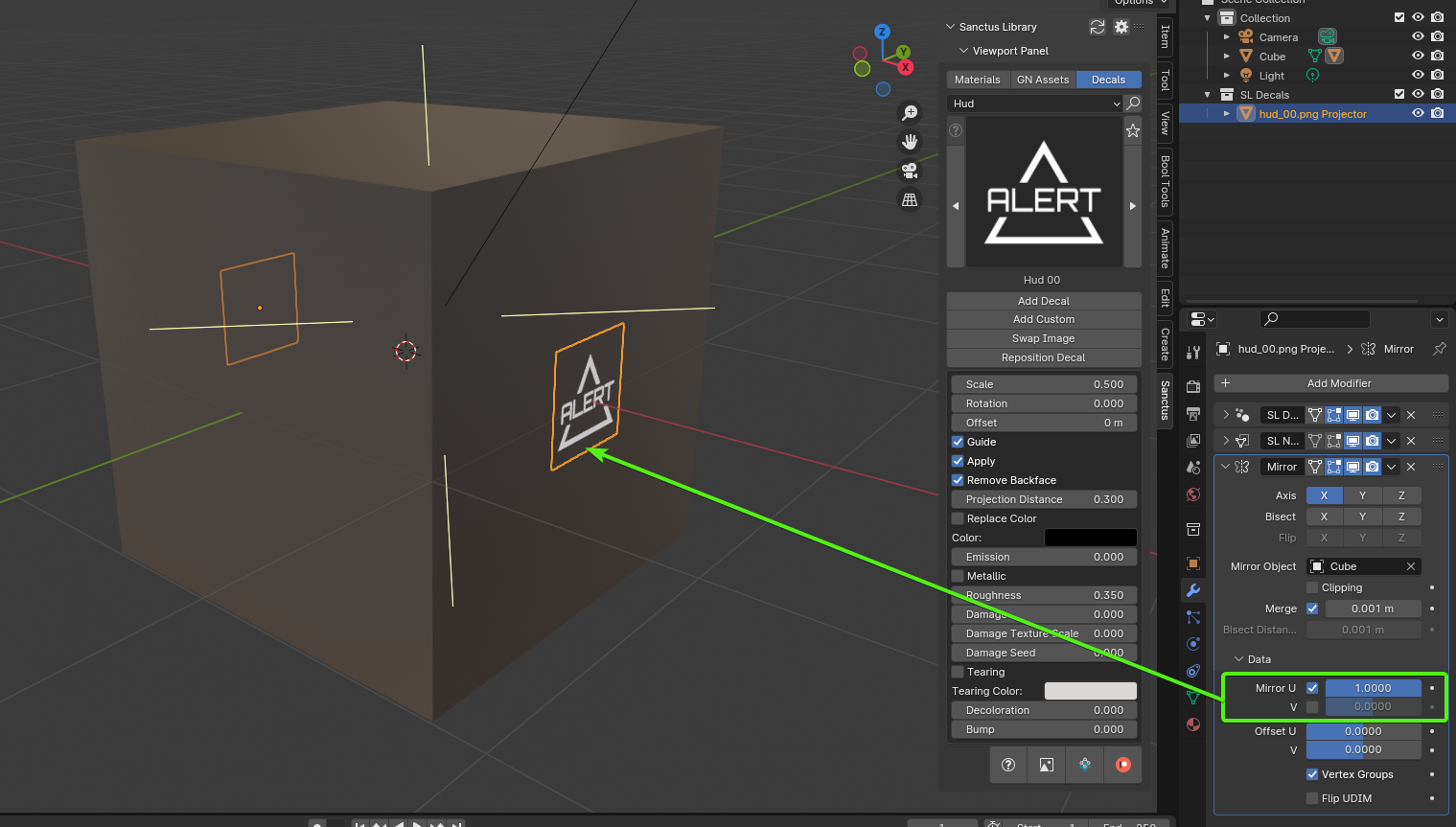
To mirror the decal horizontally, enable Mirror U and set its value to 1.
To mirror the decal vertically, enable Mirror V and set its value to 1.