Swap Image
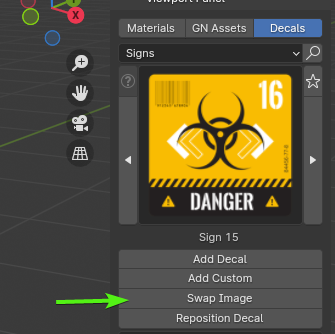
The Swap Image button provides a way to change the image texture of a placed decal object without altering its position, rotation, scale, or parameters. This is useful when you've finalized the placement and parameters of a decal but want to experiment with different images.
Tip
The Swap Image button in the add-on panel becomes active only when a placed decal object is selected.
How to use
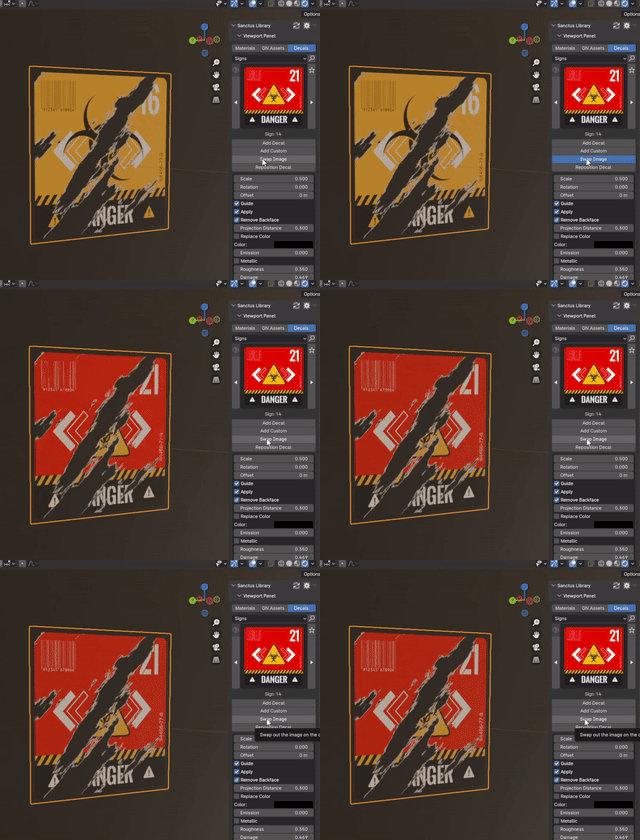
- Select an already placed decal
- In the
addon panelselect a different decal - click the Swap Image button