Curve Deform
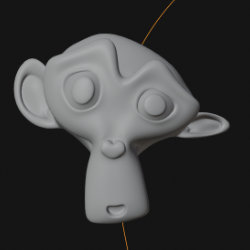
Technical Details
Asset Type: Geometry Nodes Asset
Usage
Select your MESH target object, use the Apply to Mesh button in the Addon panel to add this asset to your scene.
Parameters
Deform Curve: Select the curve to deform the object
Reverse Curve Direction: Reverse Curve Direction
Stick to Curve: While active the object will stick to the curve in the position determined in the "Offset Along Curve" parameter
Direction Axis: The object's axis for the deformation
Offset Along Curve: Offsets the object's position along the target curve
Offset Center Axis 1: Offset the object's position in one of the other 2 axis (not the one selected in the "Direction Axis" parameter)
Offset Center Axis 2: Offset the object's position in one of the other 2 axis (not the one selected in the "Direction Axis" parameter)
Tilt Influence: Curve tilt affects the object's deformation
Radius influence: Curve radius affects the object's deformation
Radius Multiplier: Multiply curve's radius
Extend Curve Ends: Extends the target curves ends along their tangent to allow the object to move beyond the curves limits (in object's dimensions units)
Object Rotation: Rotates the object
User's Gallery
Have your render featured here!
Do you want to be featured? Submit a render using this asset to our Discord