Subway Tiles
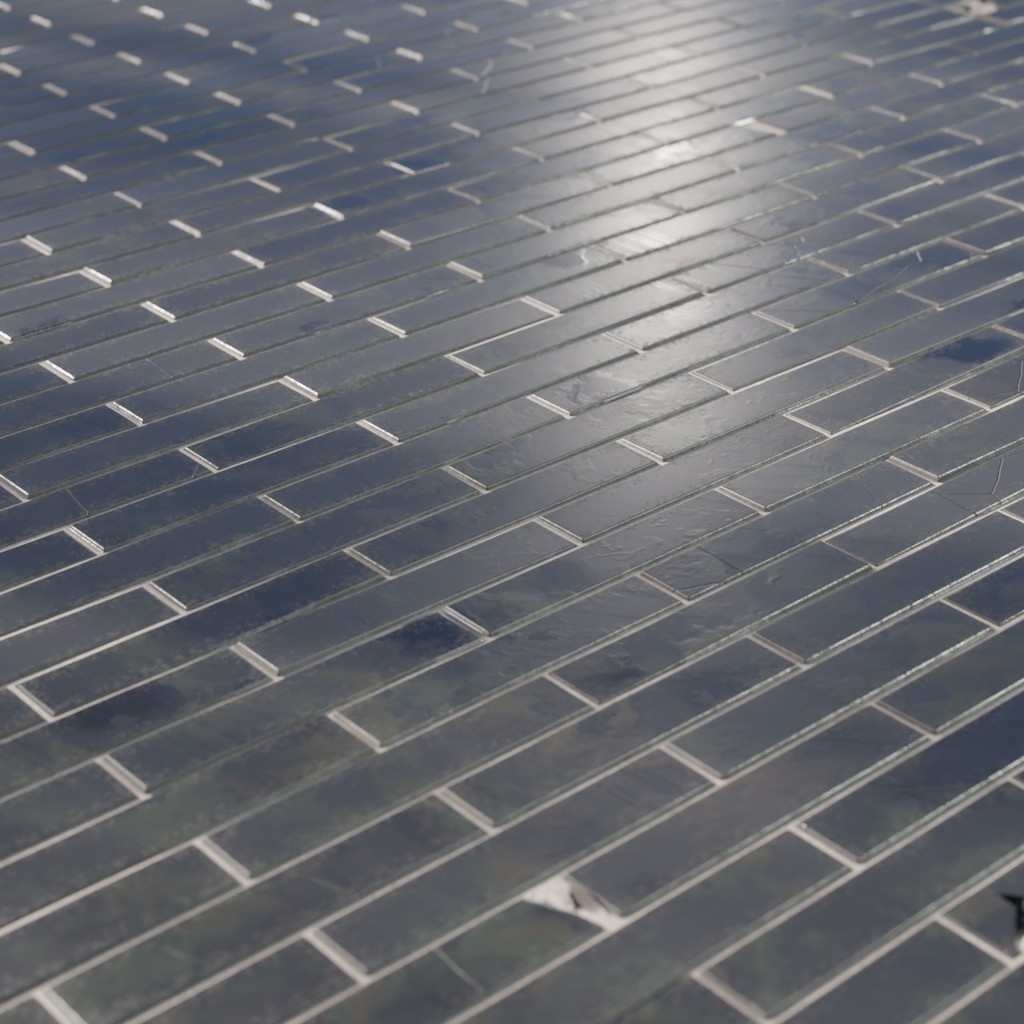
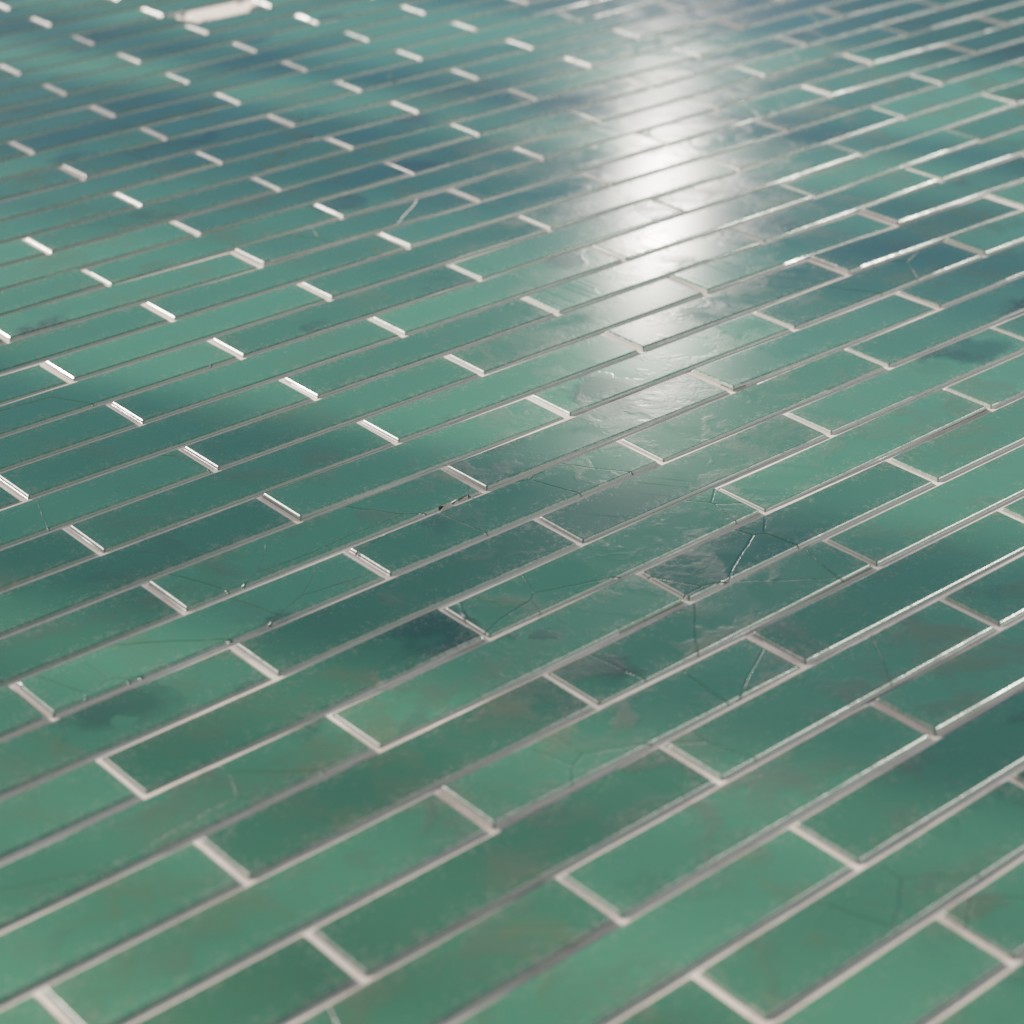
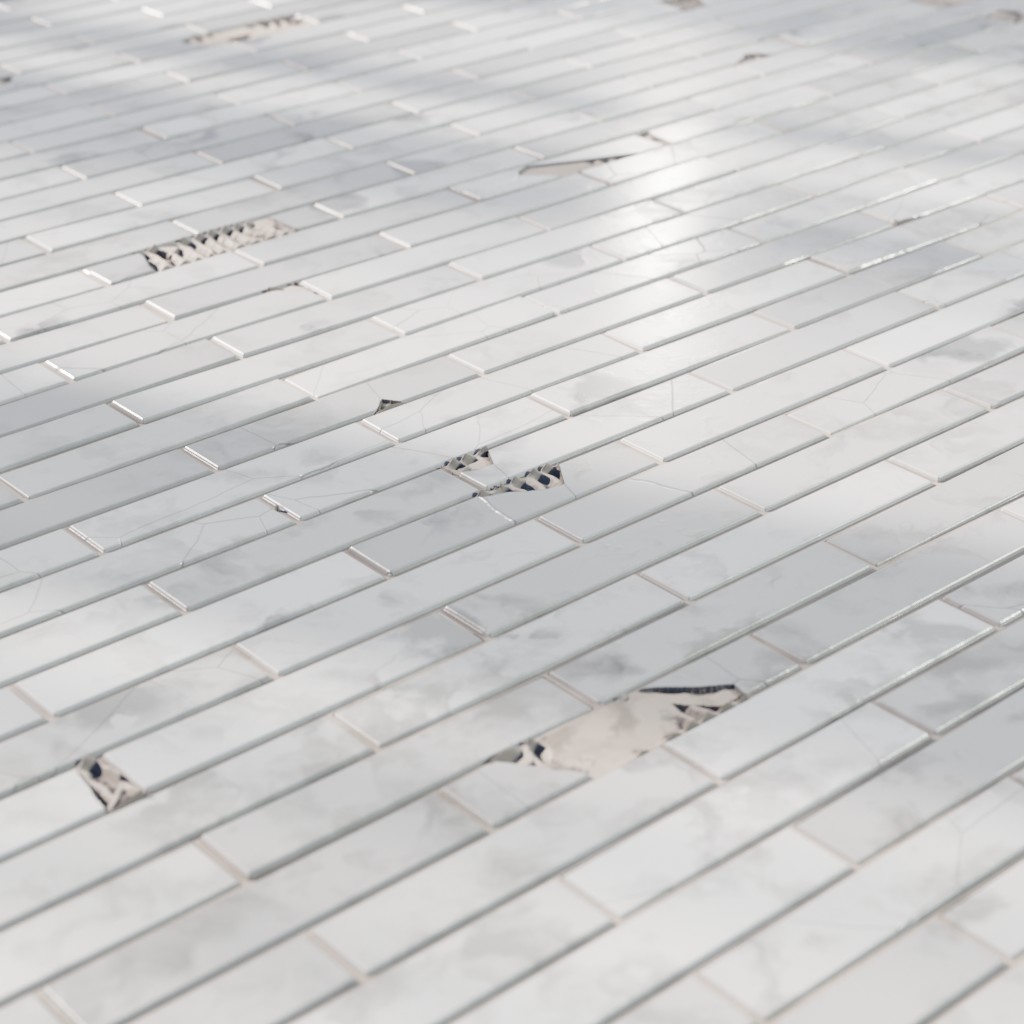
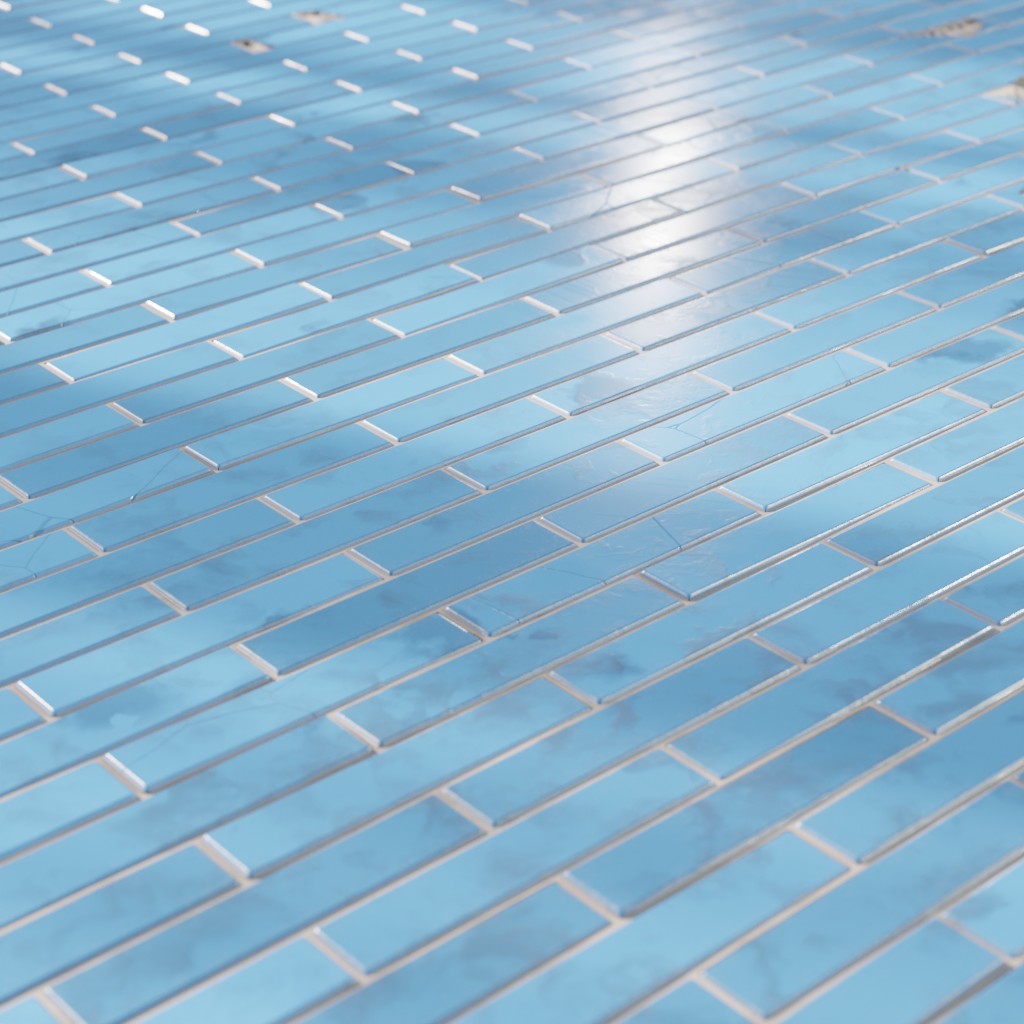
Technical Details
Render Engines Compatibility: Cycles & Eevee
Requires Displacement: Yes
Requires UVs: Yes
Processing/Complexity: Medium
Can be baked: Yes (How to bake materials)
Parameters (Cycles)
▼ TILES
Color: Main Color
Color Variation: Makes each tile a bit different in color
Size X: Tile width (relative to the material scale)
Size Y: Tile height (relative to the material scale)
Offset: Offsets every other row by a fraction of the tile width
Roughness: Tiles Roughness
Corners: Makes tiles corners round
Profile: Controls tiles profile
Tilted Tiles: Tilted tiles ratio (how many tiles are tilted)
Tilt Strength: How strong is the tilt on the affected tiles
Damaged Tiles: Adds damage on the tiles surface.
Missing Pieces: Controls the amount of missing pieces on the tiles surface.
▼ MORTAR
Mortar: Mortar thickness
Color: Main Color
Roughness: Tiles Roughness
▼ DIRT
Color: Main Color
Distance: Dirt distance
Strength: How strong is the tilt on the affected tiles
▼ GRIME
Moisture: Adds moisture to the mortar
Big Stains: Big stains intensity
Big Stains Color 1: Big Stains Color 1
Big Stains Color 2: Big Stains Color 2
Big Stains Seed: A specific seed for the big stains
Big Stains Roughness: Big Stains Roughness
Small Stains: Small stains intensity
Small Stains Seed: A seed for small stains distribution.
Small Stains Roughness: Small Stains Roughness
Roughness Variation / Tile: Variates the roughness per tile
Roughness Grunge: Adds grunge to the roughness
▼ OTHERS
Scale: overall material scale
Displacement: Multiplier for the displacement
Bump: Multiplier for the bump.
Seed: A specific seed for the big stains
Replace Vector: An input where you can replace the default vector, you can for example plug a UV Map node with a Mapping node or any other texture coordinate.
Adjusting mapping and stretched textures
Parameters (Eevee)
▼ TILES
Color: Main Color
Color Variation: Makes each tile a bit different in color
Size X: Tile width (relative to the material scale)
Size Y: Tile height (relative to the material scale)
Rotation: Documentation in progress...
Offset: Offsets every other row by a fraction of the tile width
Roughness: Tiles Roughness
Corners: Makes tiles corners round
Profile: Controls tiles profile
Damaged Tiles: Documentation in progress...
Missing Pieces: Documentation in progress...
▼ MORTAR
Mortar: Mortar thickness
Color: Main Color
Roughness: Tiles Roughness
▼ DIRT
Color: Main Color
Distance: Dirt distance
Strength: Increases the intensity of dirt
▼ GRIME
Roughness Variation / Tile: Variates the roughness per tile
Roughness Grunge: Adds grunge to the roughness
▼ OTHERS
Scale: overall material scale
Bump: Documentation in progress...
Seed: Gives different results using the same parameters
Replace Vector: An input where you can replace the default vector, you can for example plug a UV Map node with a Mapping node or any other texture coordinate.
Adjusting mapping and stretched textures
User's Gallery
Have your render featured here!
Do you want to be featured? Submit a render using this asset to our Discord