Camo Fabric
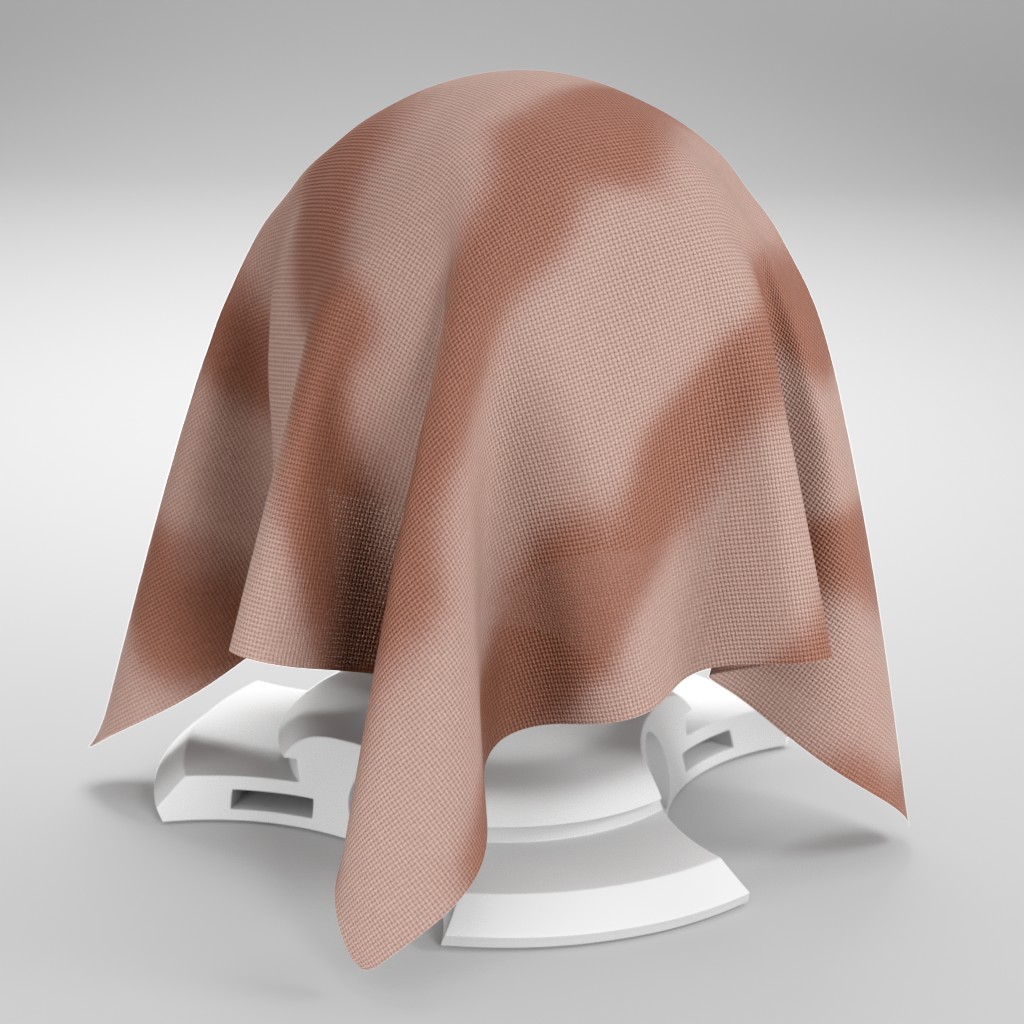
Technical Details
Render Engines Compatibility: Cycles & Eevee
Requires Displacement: No
Requires UVs: Yes
Processing/Complexity: Low
Can be baked: Yes (How to bake materials)
Parameters
▼ SURFACE
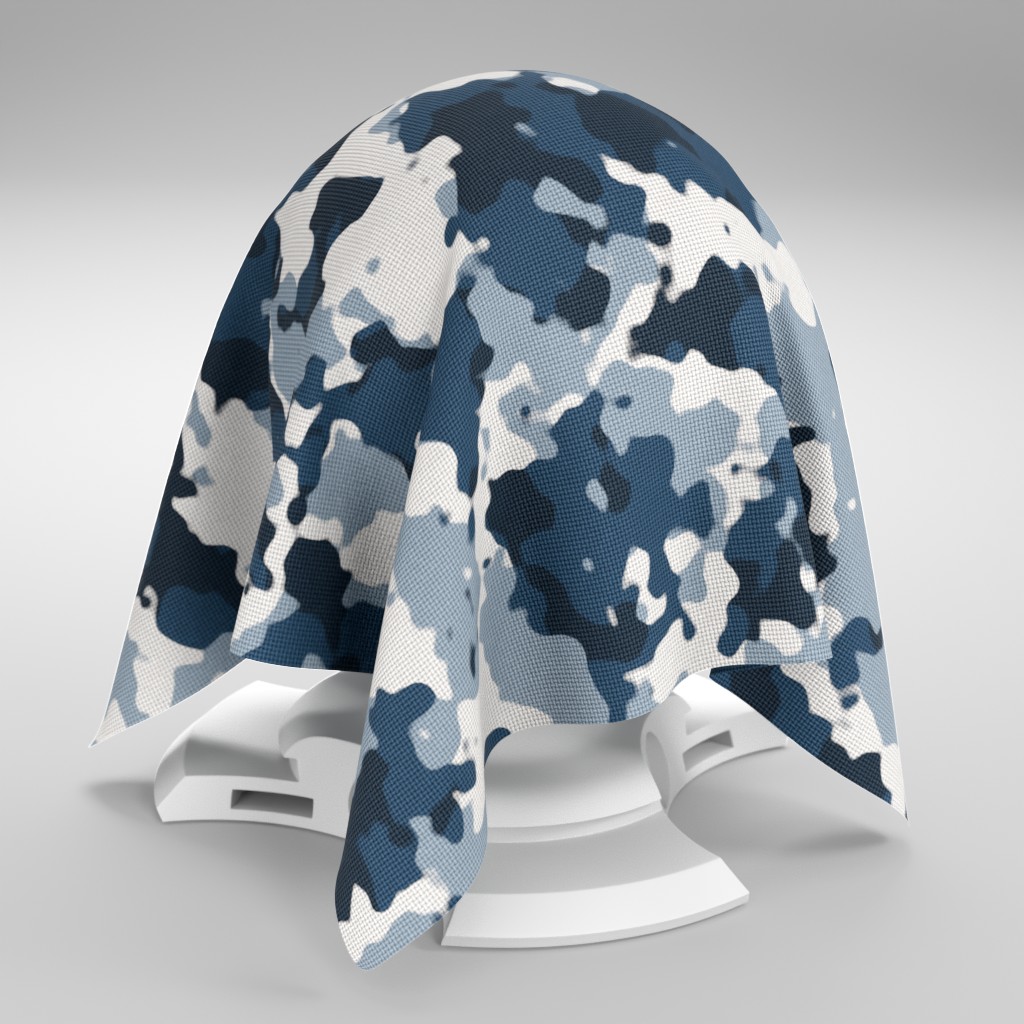
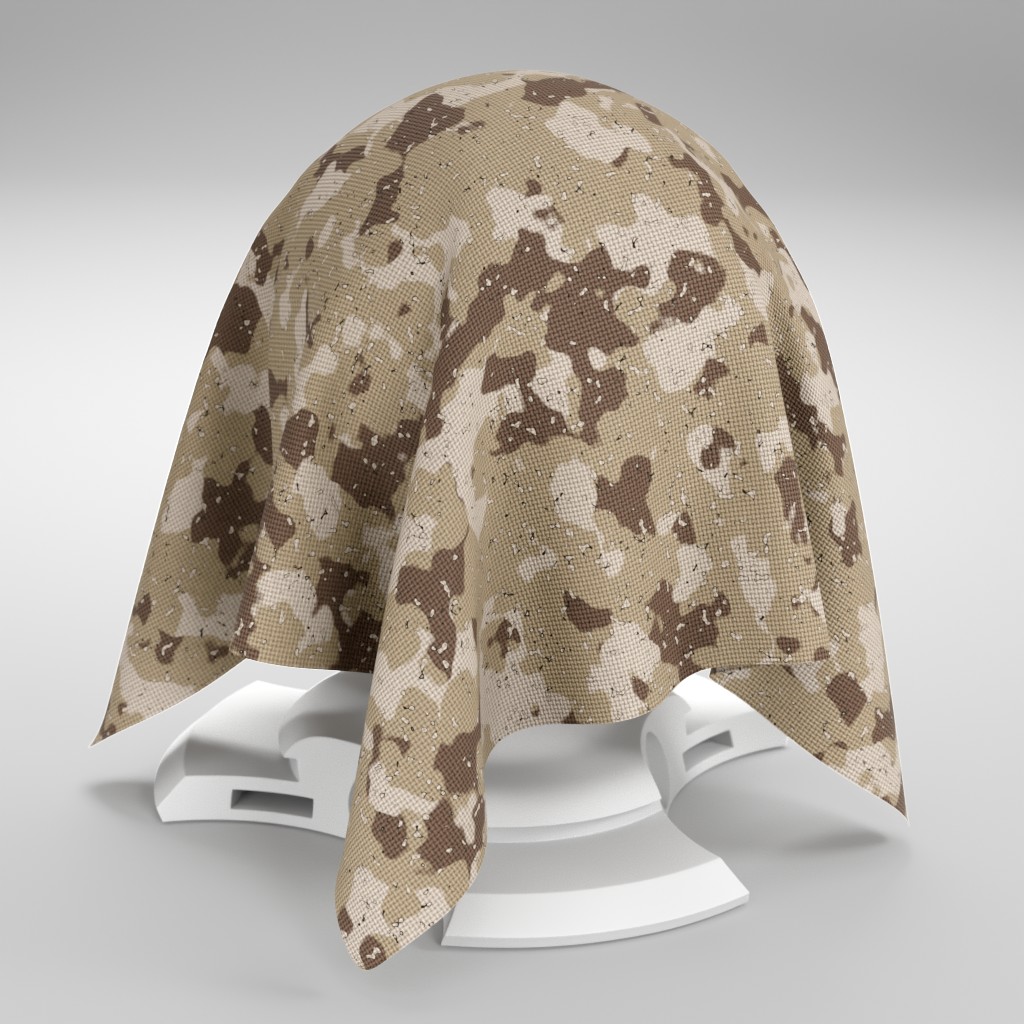
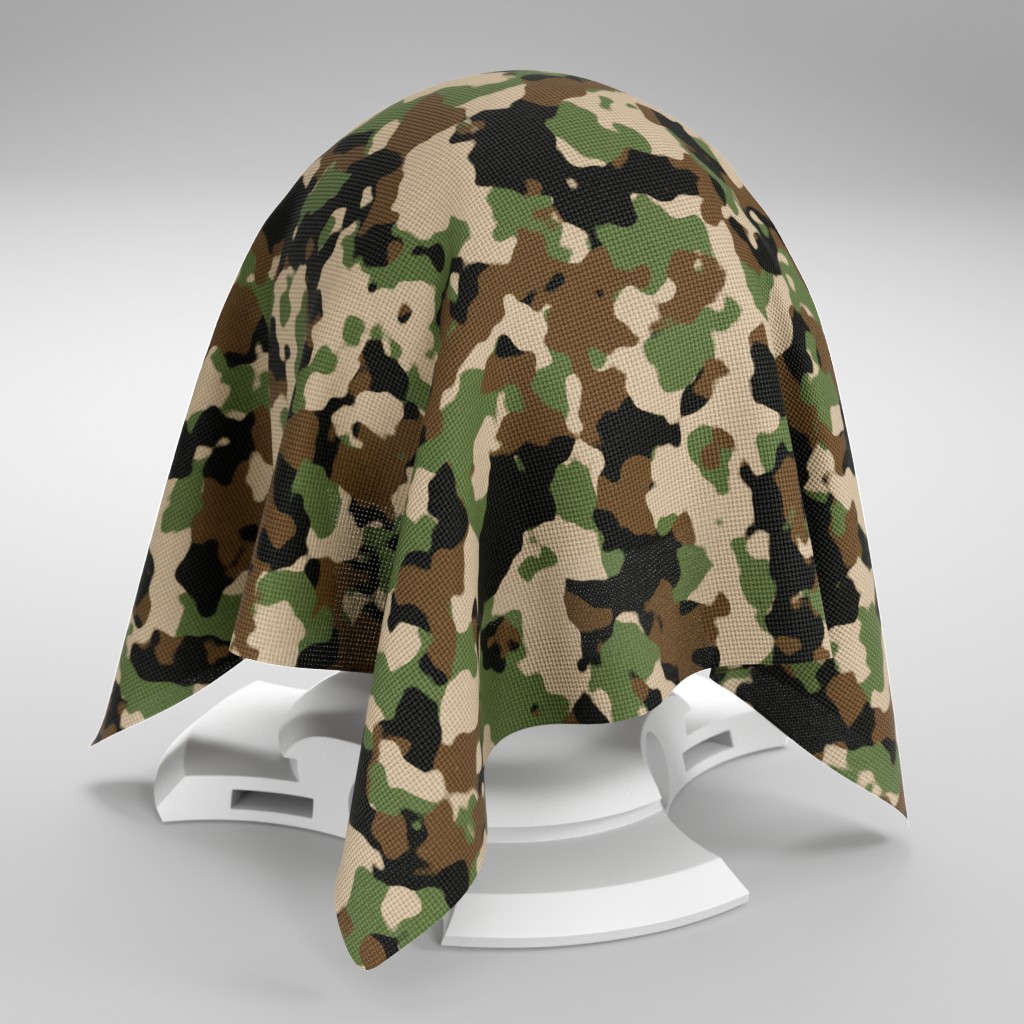
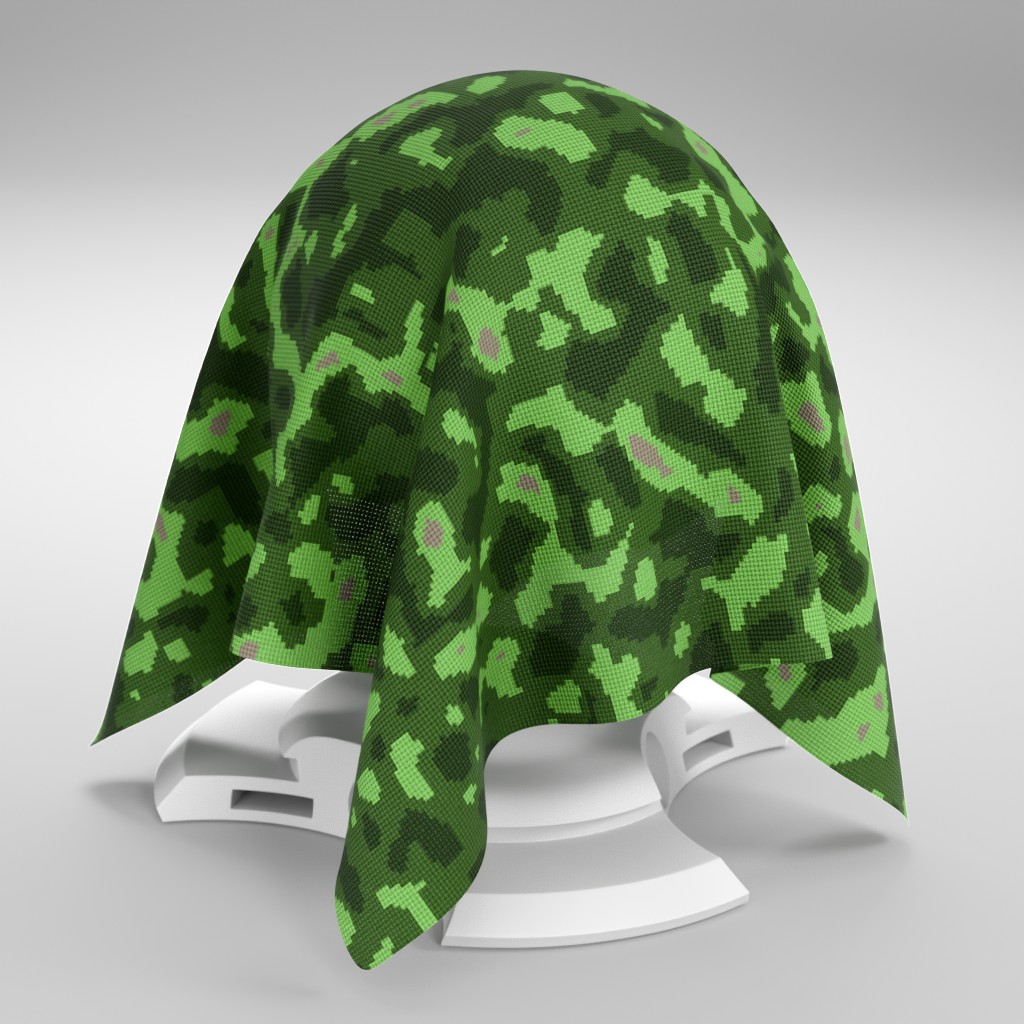
Color1: The primary color of the camouflage pattern.
Color2: The secondary color of the camouflage pattern.
Texture Scale: Controls the scale of the camouflage pattern texture.
Thickness: Adjusts the perceived visual thickness of the fabric material.
Detail: Adjusts the level of intricacy and detail within the camouflage pattern.
Rotation: Rotates the entire camouflage pattern on the fabric surface.
Spray Paint: Controls the intensity of a simulated spray-paint overlay effect on the fabric.
Variation: Adds random variations to the camouflage pattern and colors.
Ambient Occlusion: Adds fake ambient occlusion shadows to the fabric surface.
Roughness: Controls the surface roughness of the camouflage fabric.
Translucent: Controls the translucency of the fabric material.
Alpha: Controls the overall transparency of the fabric material.
▼ FIBERS
Fibers Color: Sets the color of the individual fabric fibers.
Fibers Intensity: Adjusts the visual intensity and prominence of the fabric fibers.
▼ FABRIC TEXTURE
Overall Scale: Controls the overall scale of the fabric texture.
Seed: Generates different fabric texture patterns using the same parameters.
▼ OTHER
Displacement / Bump: Controls the intensity of surface displacement or bump mapping.
Height: Adjusts the apparent height or depth of the fabric's surface texture.
Vector: An input where you can replace the default vector, you can for example plug a UV Map node with a Mapping node or any other texture coordinate.
Adjusting mapping and stretched textures
User's Gallery
Have your render featured here!
Do you want to be featured? Submit a render using this asset to our Discord