Material Icons
Thumbnail icon overlays provide quick visual cues about materials within Sanctus Library.
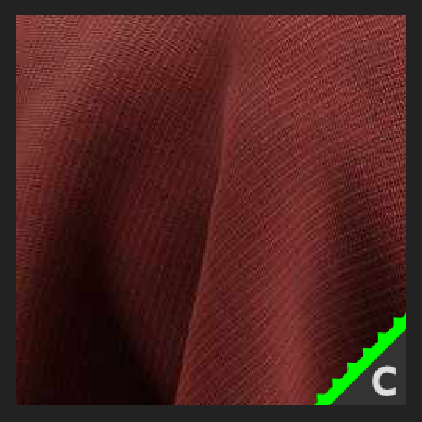
The icons provide information about:
- Processing Time: Materials are categorized by processing time, indicated by color:
- Green: Fast Processing
- Yellow: Moderate Processing
- Red: Slow Processing
- Recommended Render Engine: Materials are optimized for specific render engines.
e: Eeveec: Cycles- No letter: Compatible with both Eevee and Cycles.
- Displacement: Materials requiring displacement mapping are identified with a "dented" icon.
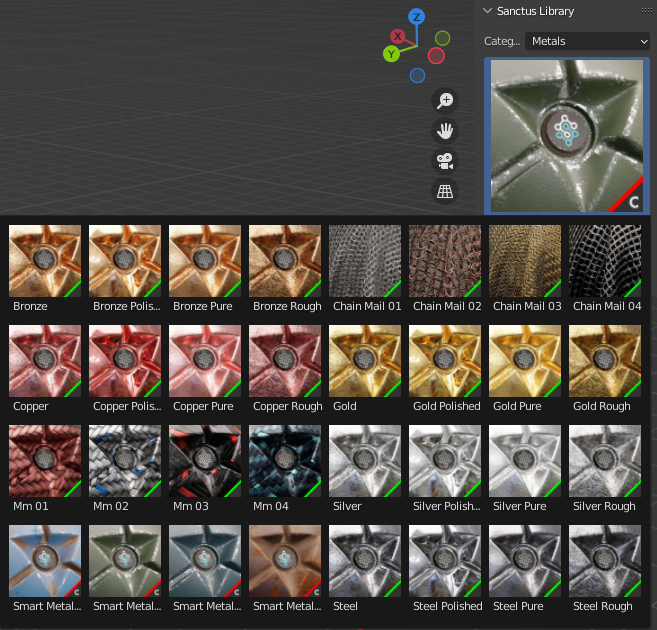
Flat Appearance in Cycles
If a material appears flat in Cycles, it likely utilizes displacement mapping and requires sufficient geometry on the object to properly displace.
Refer to Materials With Displacement for detailed instructions on setting up displacement.
Ensure your object has enough geometry to properly displace, according to the linked documentation.
As a quick alternative, you can try changing the material's displacement setting:
- Navigate to Material Settings > Surface > Displacement.
- Change the setting from Displacement Only to Bump Only.
This may provide an acceptable result for materials with small height displacement values.