Asset Browser (Blender v4.5+)
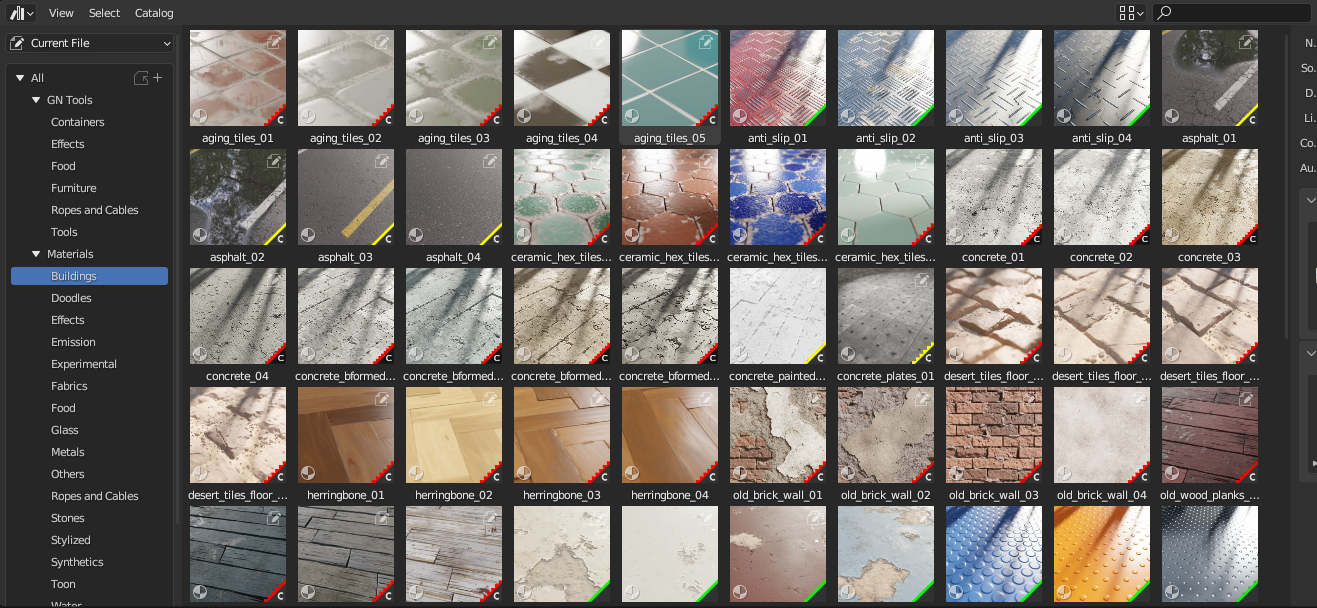
What is the Asset Browser Version?
This is an alternative, stripped-down file designed exclusively for Blender's native Asset Browser. It allows you to drag and drop assets directly into your scene without installing the addon.
However, I want to be completely transparent: using this version comes at the cost of losing a massive amount of functionality.
Important Limitations
Because of how Blender handles native assets, many of the more complex assets in the library will not work, or will not work as expected, without the addon's underlying code to support them.
Why I Strongly Recommend the Addon Version
By opting for the Asset Browser version, you lose access to the custom tools and the optimized experience I've built into the addon. Specifically, you will miss out on:
- The Custom, Easy-to-Use UI: The addon neatly organizes parameter settings into a clean interface, which is simply not possible in the native Asset Browser.
- Smart Generator Application: The addon handles exactly how Geometry Node generators are applied to your objects for a seamless workflow.
- Exclusive Tools: You lose access to the free companion Baking Addon, Decal Tool integration, Material Editor, Filters, and Favorites.
Who is this version for?
I provide this file only for users who already know exactly how Blender's Asset Browser works, accept its limitations, and are 100% sure they only want the raw files. If you already have the addon installed, you absolutely do not need this file.
Installing the Asset Browser Version
- Download the Asset Browser version Blend File.
- Create a new folder and place both files from the ZIP file inside it (the
.txtfile contains category information). - Open Blender and navigate to Edit > Preferences > File Paths.
- In the Asset Libraries section, click the + button and enter a name and the file path to the
.blendfile. - In the hamburger menu (top right corner), select Save Preferences.
Now, when you access the Asset Library, you can switch from "Current File" to "Sanctus Library" and utilize all the available materials.
Note
Refer to How to access an Asset Library for further details.