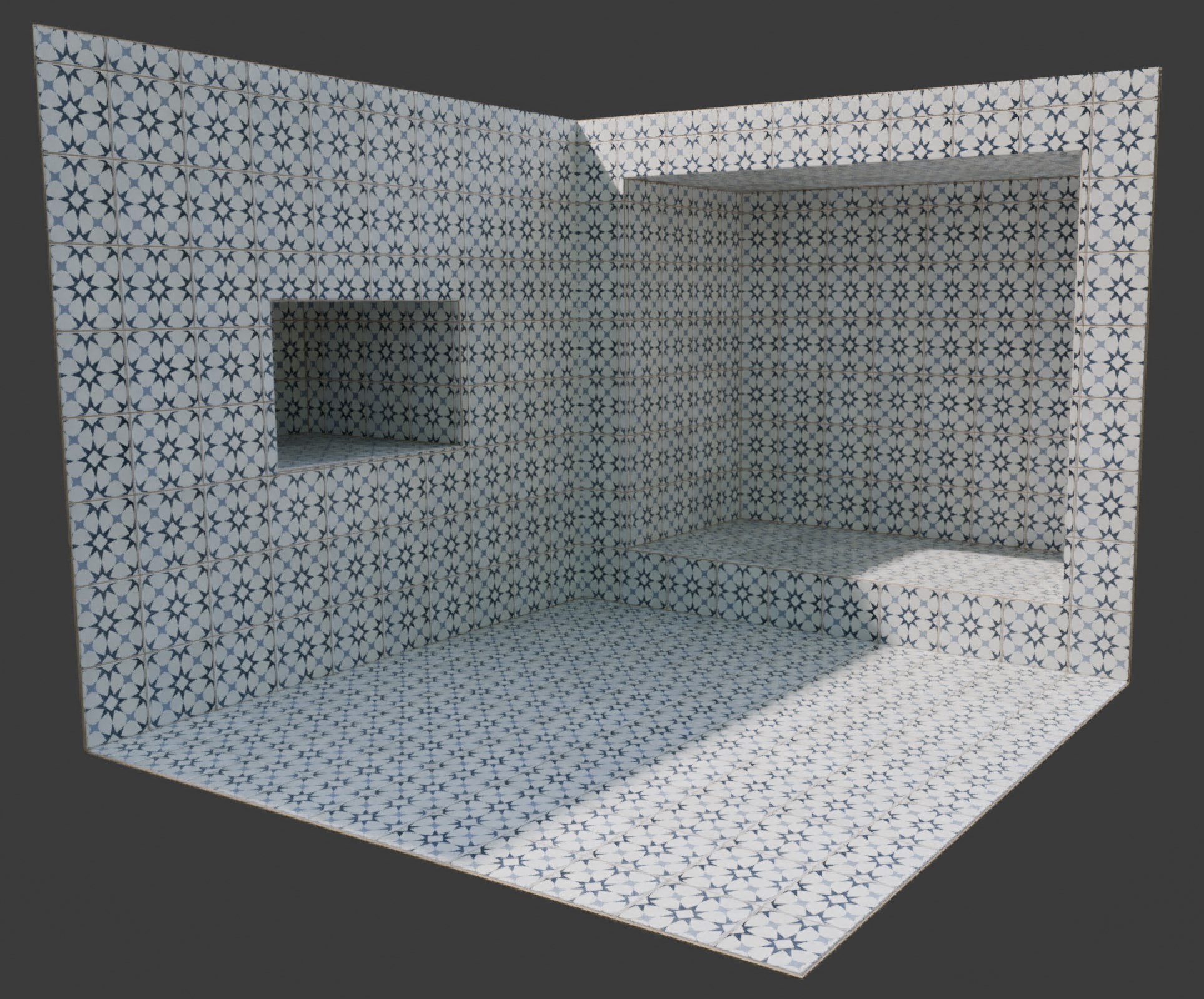
Single Tile Texture Guide
Introduction
We will be using a single tile pattern texture repeated on every tile.
- Apply "Tiles on Surface Single Texture" to your object (remember to apply the scale if you scaled your object).
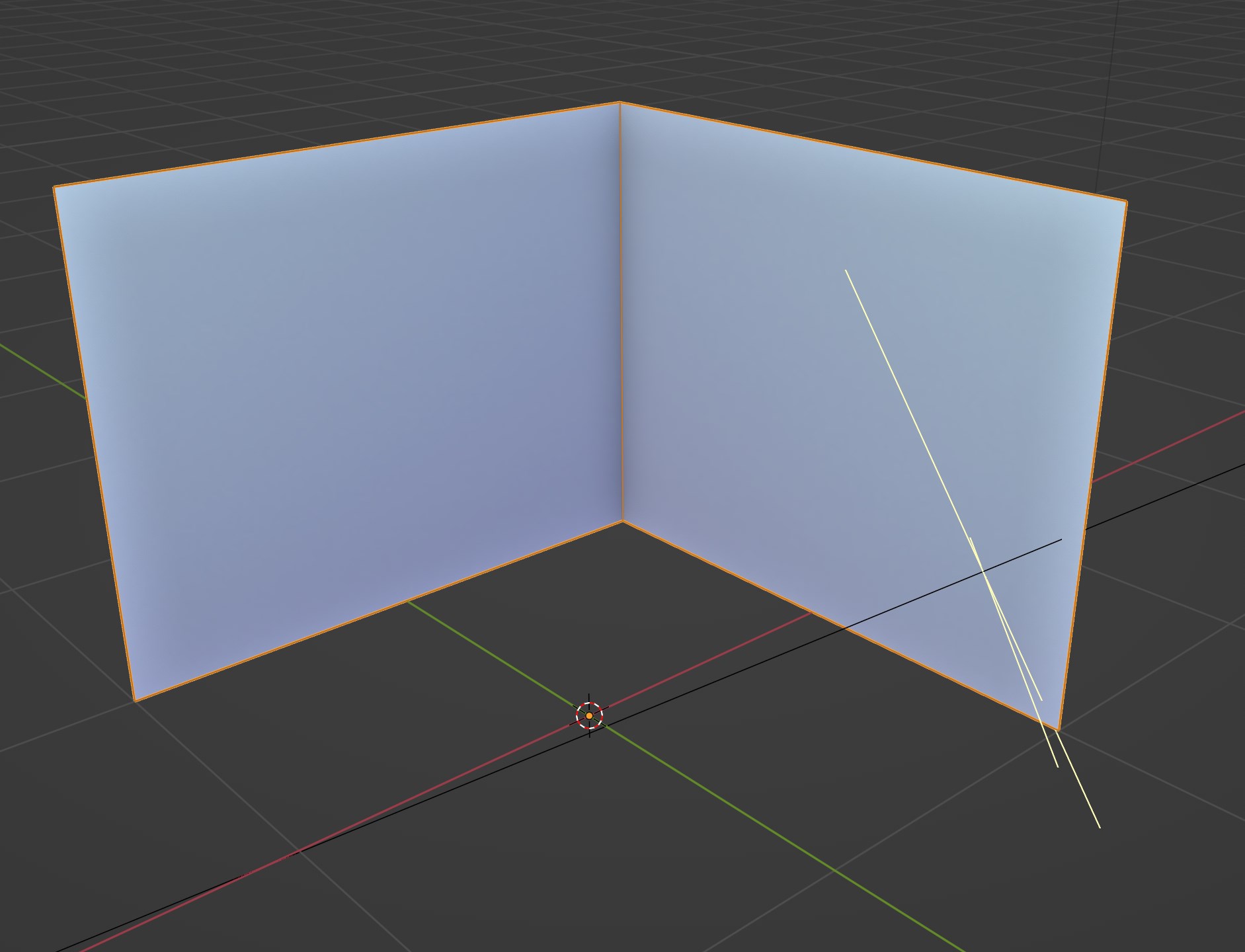
I'll be using this basic geometry in the example
- Take note of the material being used by the bricks in the modifier's tab
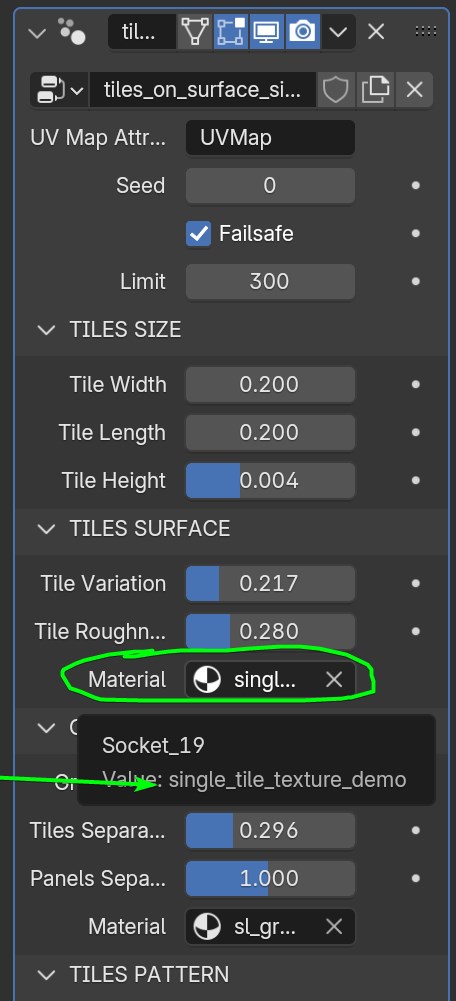
By default "single_tile_texture_demo" but if you have multiple instances of the generator it can have a suffix .001, .002
- Go to the Shader Editor and selecting your object chose the material with the same name
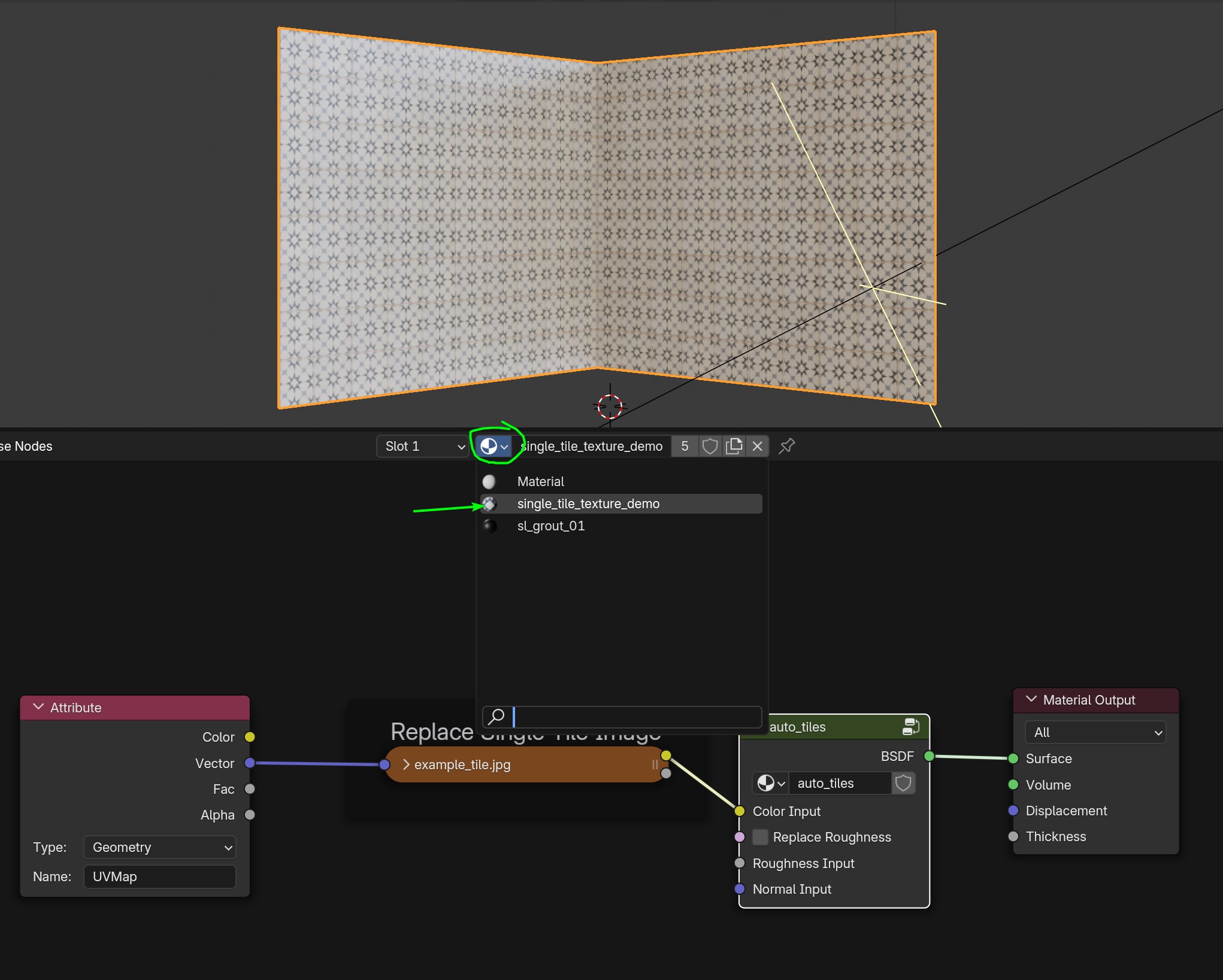
- You can now replace the image texture or even add more if you need.
In this case you can use a color/albedo texture for the color but the rest of the maps have a default procedural texture that can be controlled from the generator parameters (tiles roughness, tiles variation).
If you want you can plug other texture maps for Metallic, Roughness and Normal (Roughness needs the "replace roughness" checkbox active if you want to replace it, the others will do it automatically if plugged).
Always use the custom Attribute node as your vector for the other Image Texture Nodes that you may add.
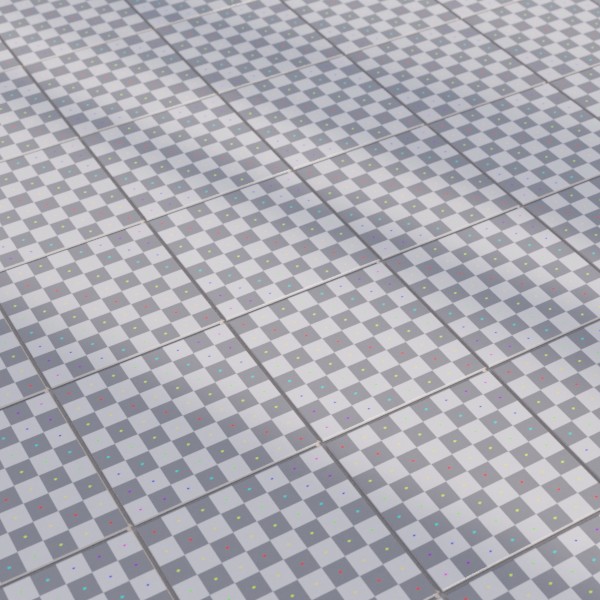
Image texture used:
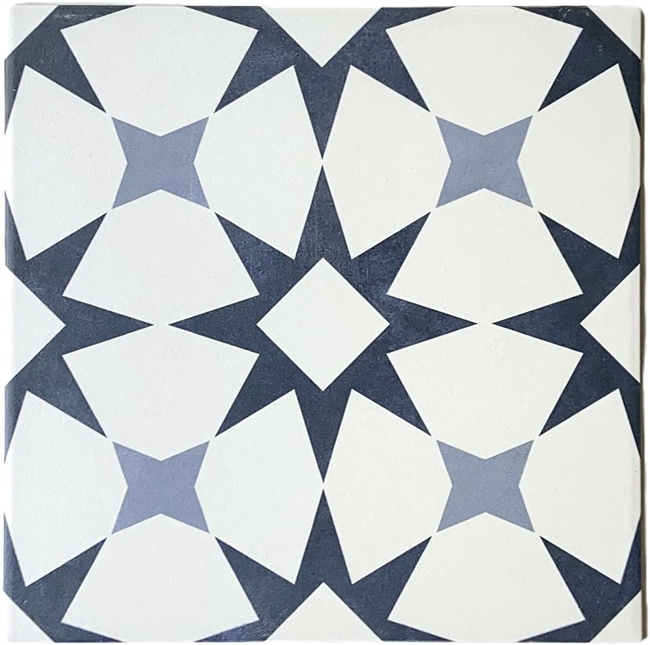
Result: