Filament Print
Technical Details
Render Engines Compatibility: Cycles & Eevee
Requires Displacement: No
Requires UVs: No
Processing/Complexity: Medium
Can be baked: Yes (How to bake materials)
Parameters
▼ BASIC
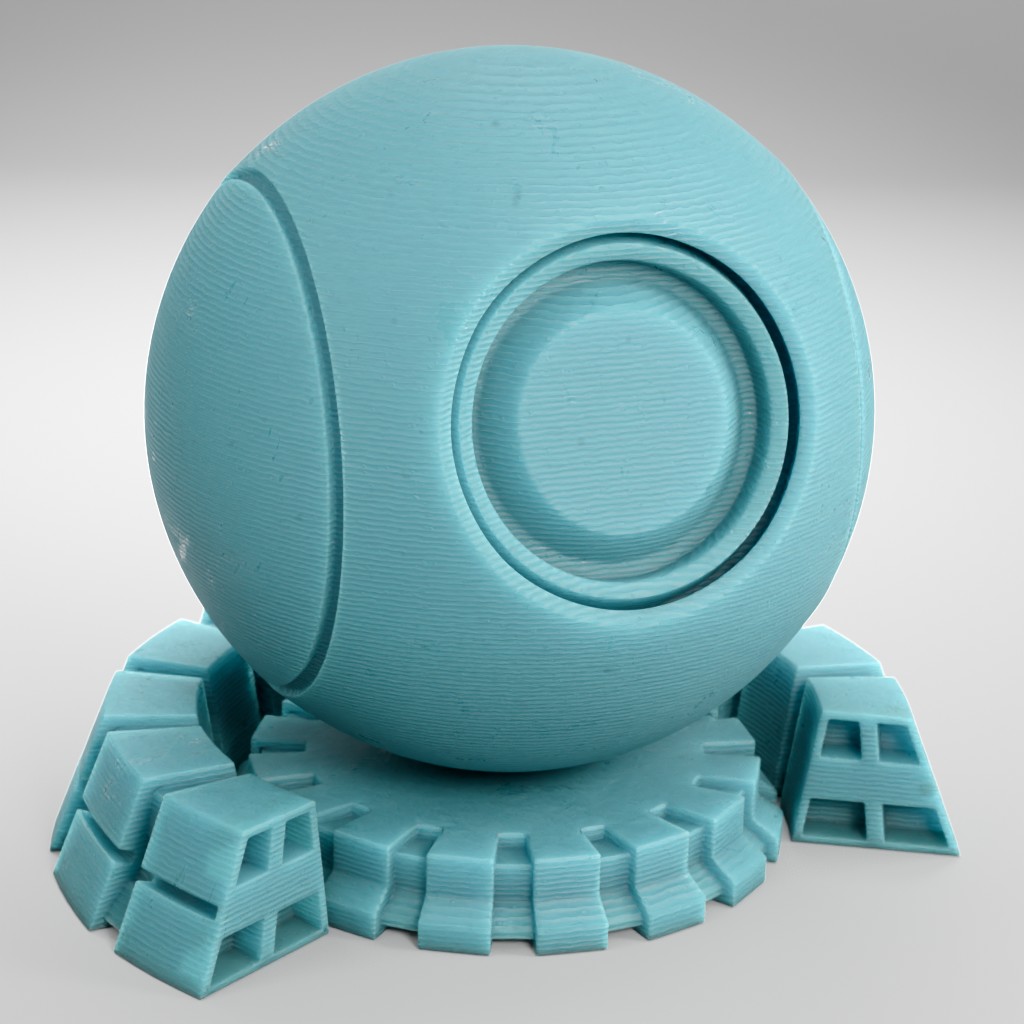
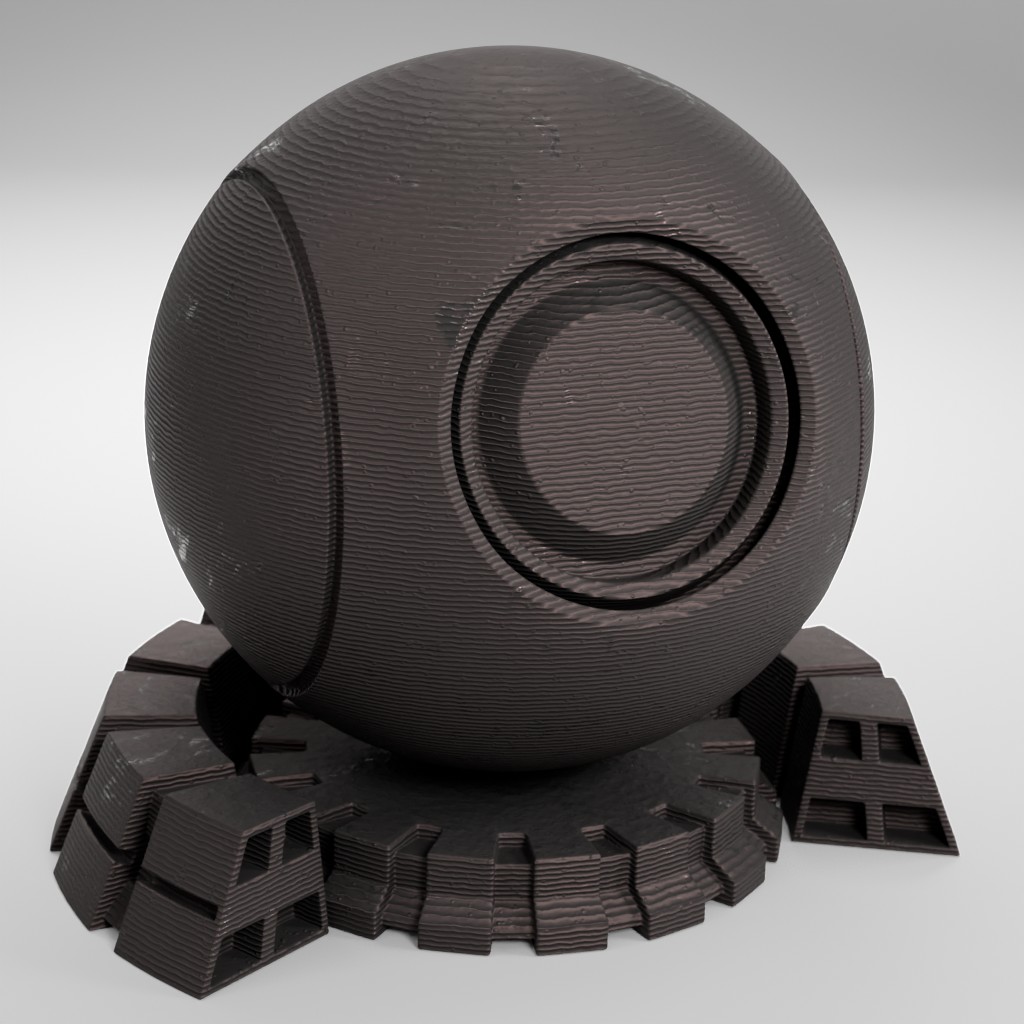
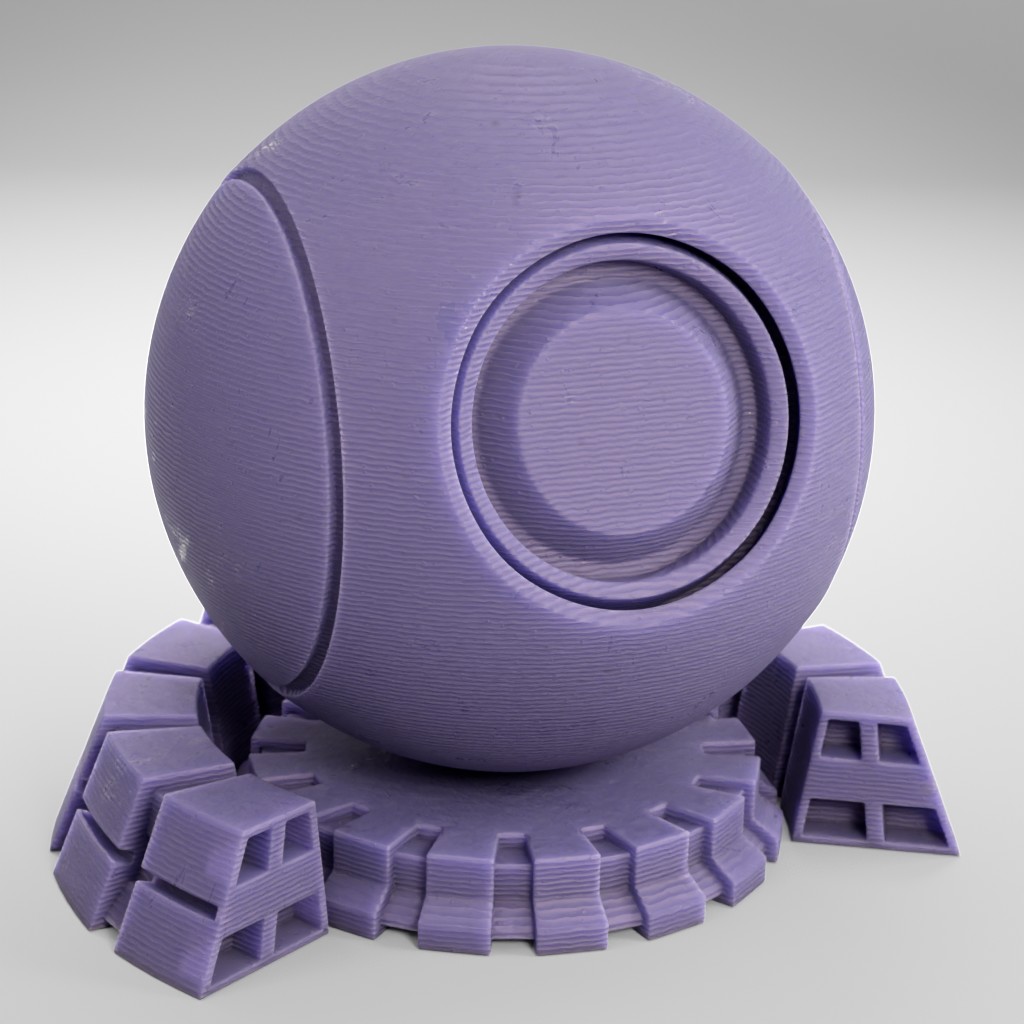
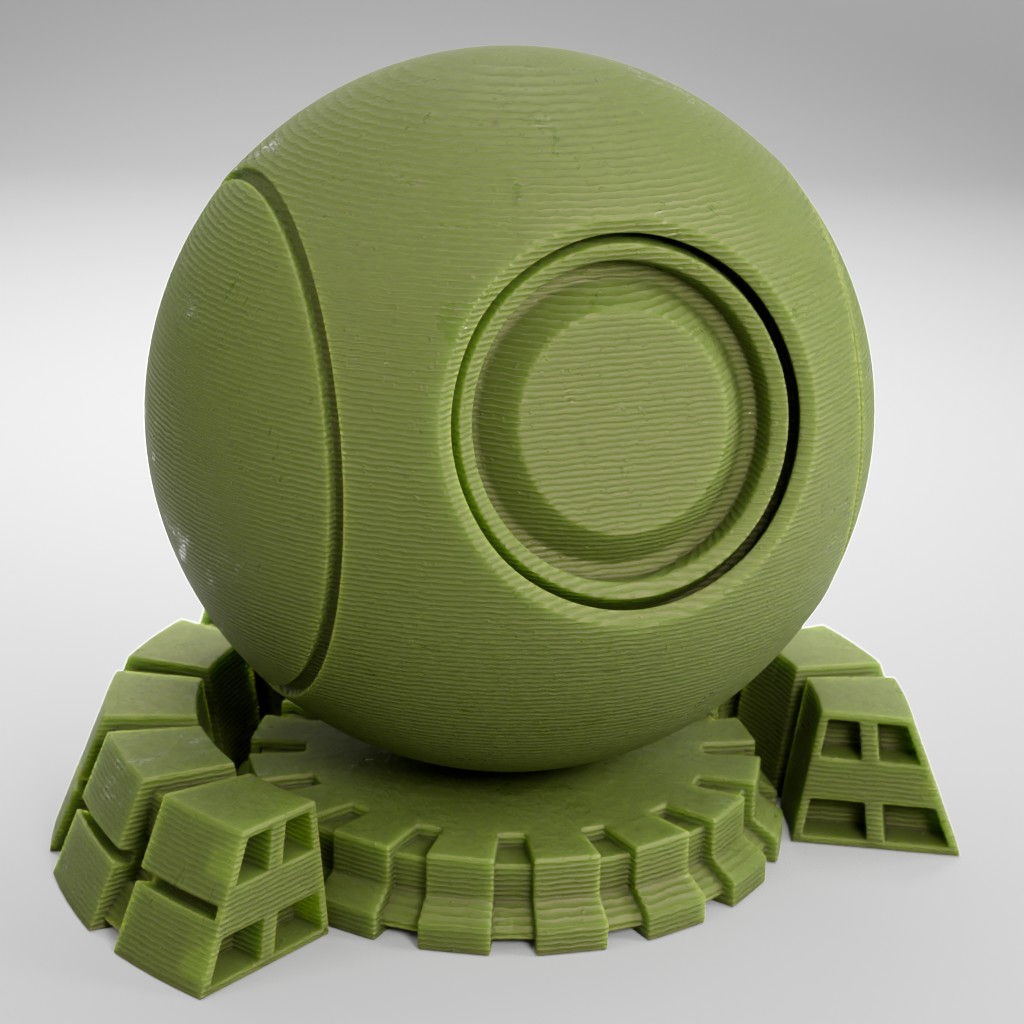
Color: Color of the filament print material.
Contrast: Adjust the contrast of the filament print texture.
Roughness: Controls the roughness of the filament print material.
▼ BUBBLES
Surface Bubbles: Adds surface bubbles on the print.
▼ GRIME
Grime: Controls the amount of grime on the filament print surface.
Grime Roughness: Controls the roughness of the grime on the filament print.
▼ SUBSURFACE
Subsurface Weight: Controls the subsurface weight of the filament print.
Subsurface Scale: Subsurface Scale (needs to be adjusted accordingly to the object size).
▼ LAYERS
Layers: Controls the strength of visible layers in the print.
Layers Frecuency: Controls the frequency of the filament print layers.
▼ OTHERS
Scale: Overall material scale
Bump: Multiplier for the bump
Seed: Gives different results using the same parameters
Vector: An input where you can replace the default vector, you can for example plug a UV Map node with a Mapping node or any other texture coordinate.
Adjusting mapping and stretched textures
User's Gallery
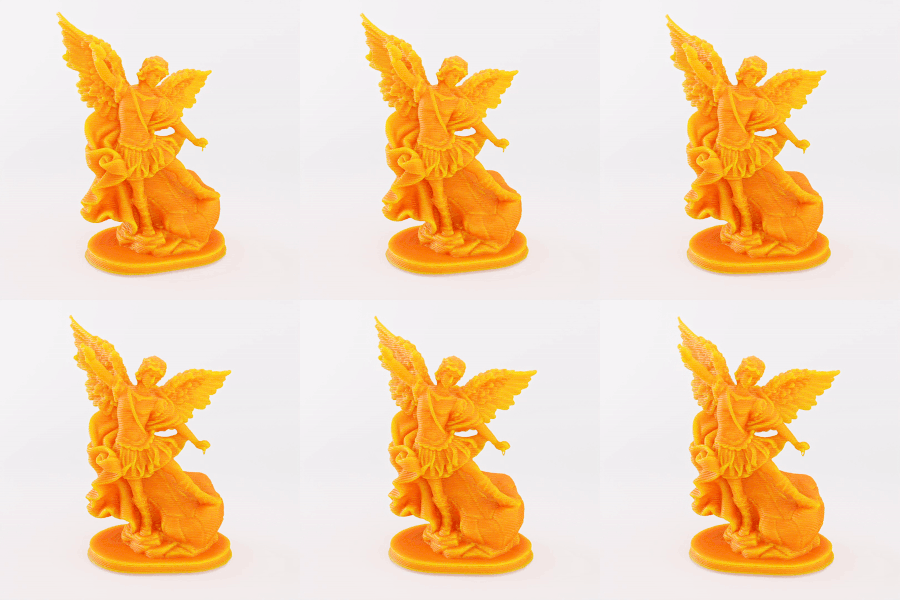
Render by Sanctus
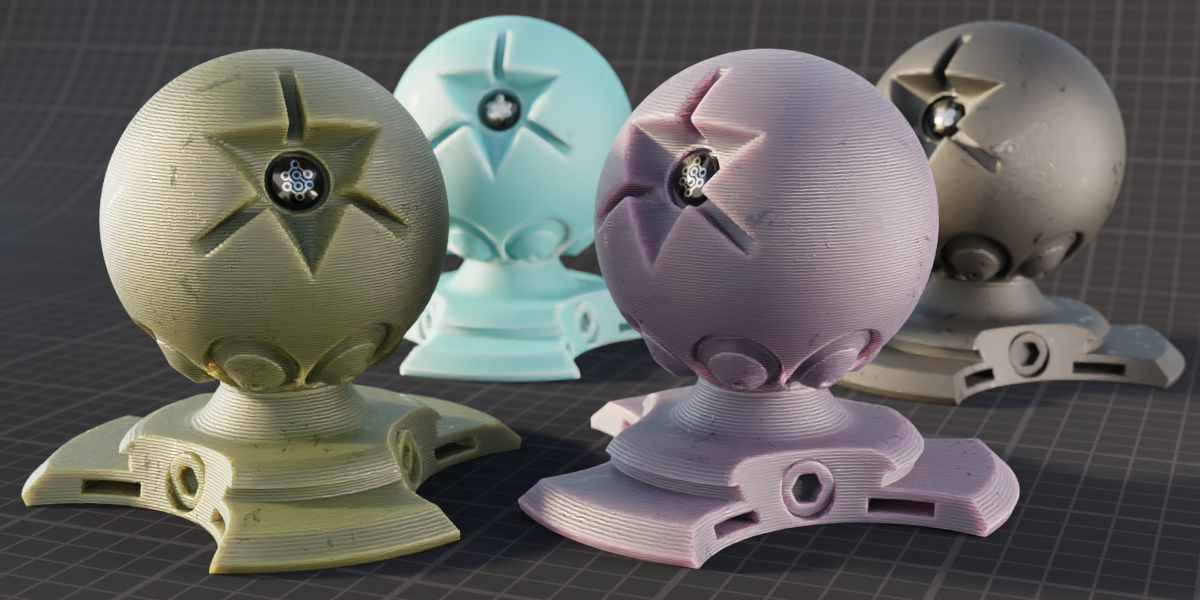
Render by Sanctus
Have your render featured here!
Do you want to be featured? Submit a render using this asset to our Discord