Ceramic Hex Tiles
Technical Details
Render Engines Compatibility: Cycles & Eevee
Requires Displacement: No
Requires UVs: Yes
Processing/Complexity: Medium
Can be baked: Yes (How to bake materials)
Parameters (Cycles)
▼ TILES
Tile Color: Main Color
Tile Roughness: Tiles Roughness
Round Corners: Makes tiles corners round
Profile: Controls tiles profile
Tilt: Tilts the tiles
▼ PAINT
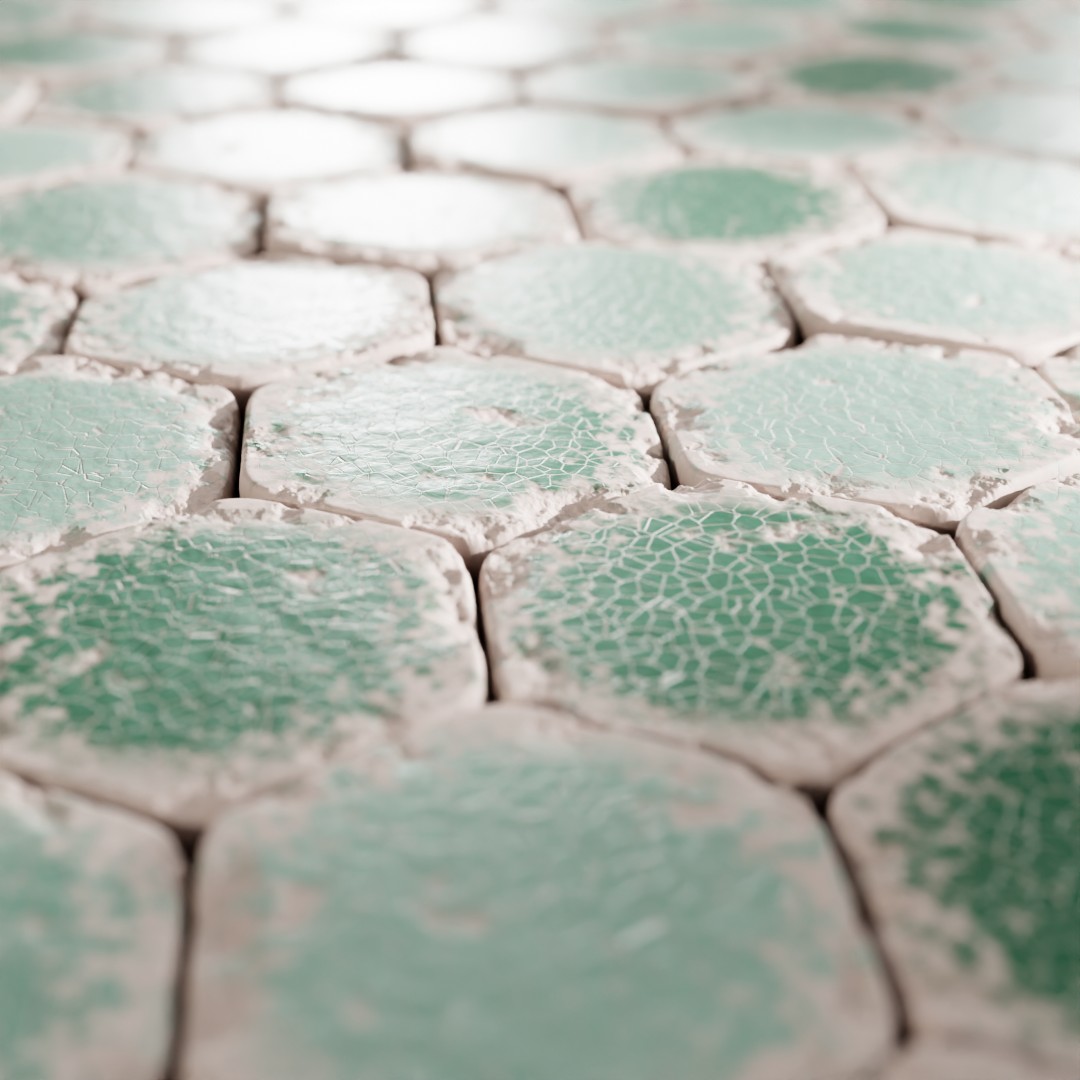
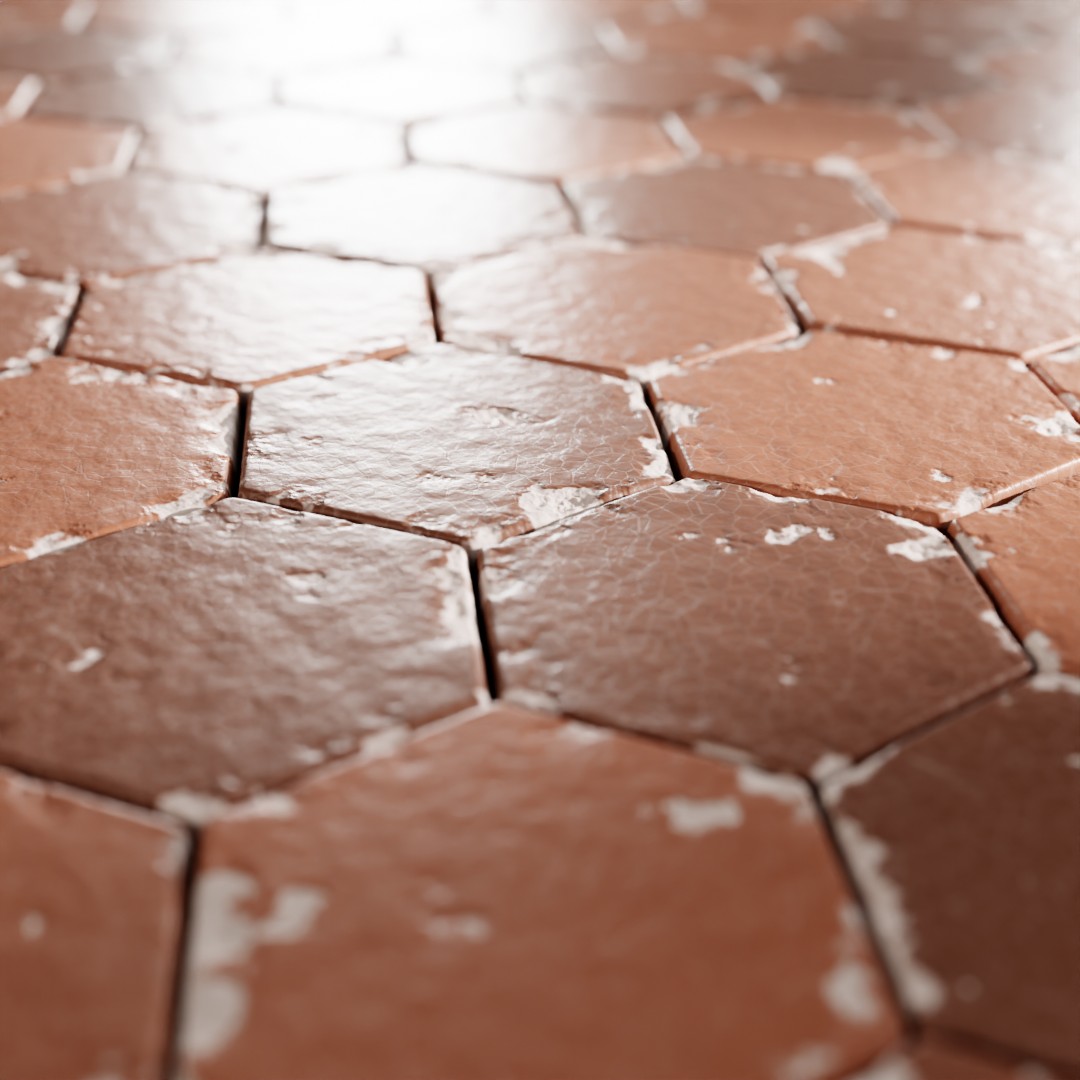
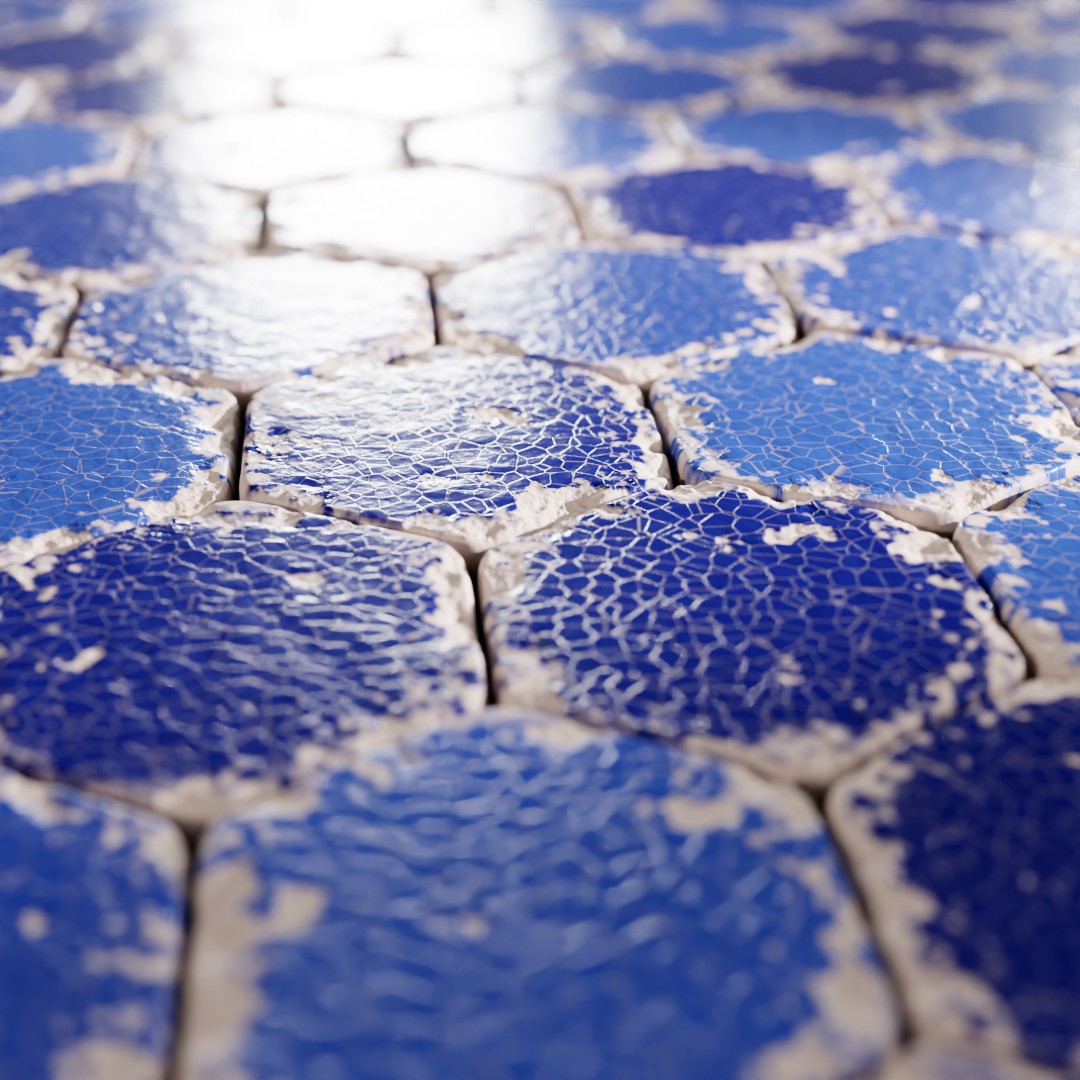
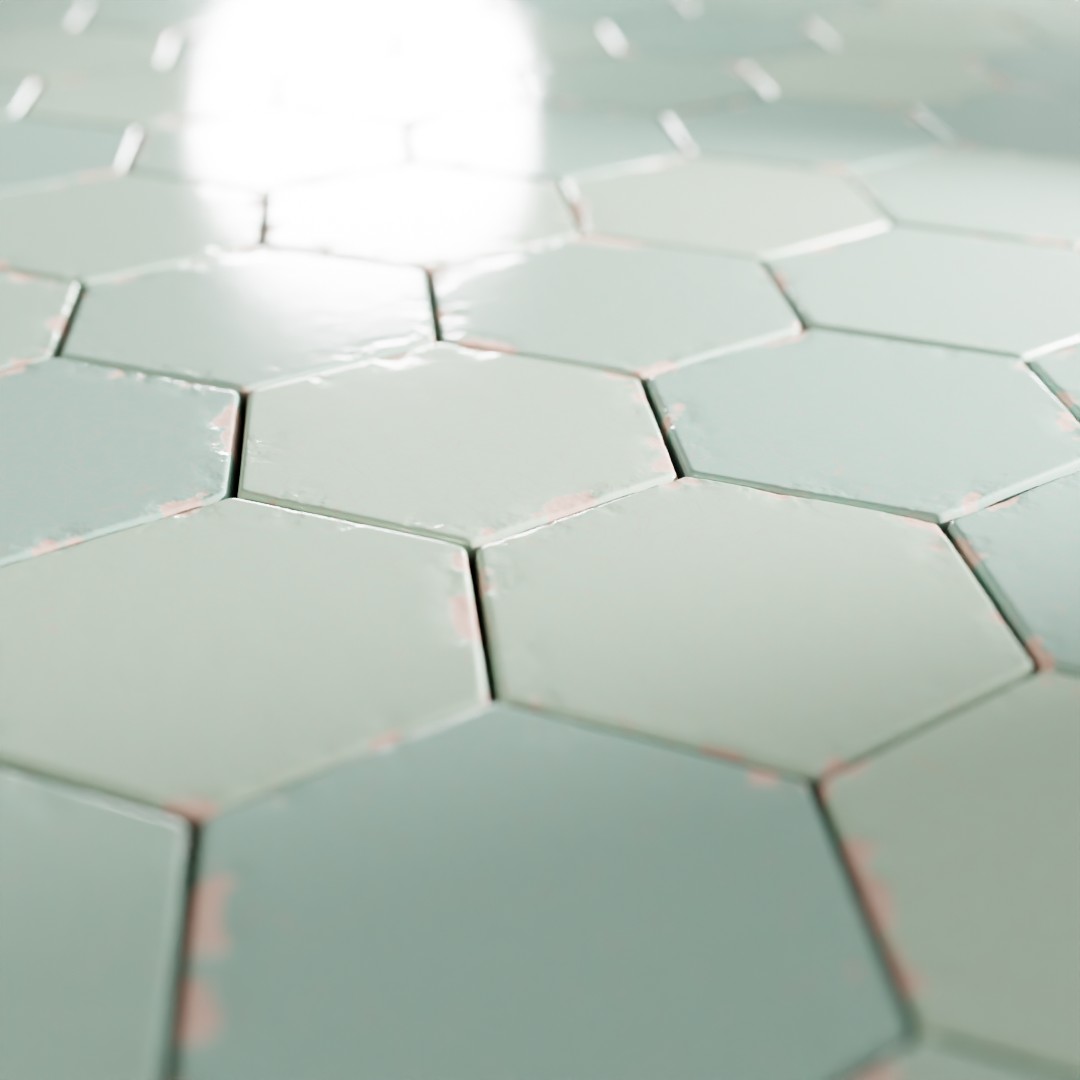
Paint: Activates paint on tiles
Paint Color 1: Paint color 1
Paint Color 2: Paint color 2 (tiles will randomly mix between both colors to have variation)
Paint Roughness: Paint Roughness
Paint Cracks: Adds cracks to the paint
Grime: Adds variation and grime to the roughness
▼ DAMAGE
Damage: Adds damage on the tiles surface
Border Damage: Adds damage on the tiles borders
Detail: Controls the details of the noise used for damage (higher number, more detail but also more processing time)
▼ OTHERS
Scale: overall material scale
Seed: Gives different results using the same parameters
Bump: Multiplier for the bump
Displacement: Multiplier for the displacement
Vector: An input where you can replace the default vector, you can for example plug a UV Map node with a Mapping node or any other texture coordinate.
Adjusting mapping and stretched textures
Parameters (Eevee)
▼ TILES
Tile Color: Main Color
Tile Roughness: Tiles Roughness
Round Corners: Makes tiles corners round
Profile: Controls tiles profile
▼ PAINT
Paint: Activates paint on tiles
Paint Color 1: Paint color 1
Paint Color 2: Paint color 2 (tiles will randomly mix between both colors to have variation)
Paint Roughness: Paint Roughness
Paint Cracks: Adds cracks to the paint
▼ DAMAGE
Damage: Adds damage on the tiles surface
Border Damage: Adds damage on the tiles borders
Detail: Controls the details of the noise used for damage (higher number, more detail but also more processing time)
▼ OTHERS
Scale: overall material scale
Seed: Gives different results using the same parameters
Bump: Multiplier for the bump
Displacement: Multiplier for the displacement
Vector: An input where you can replace the default vector, you can for example plug a UV Map node with a Mapping node or any other texture coordinate.
Adjusting mapping and stretched textures
User's Gallery
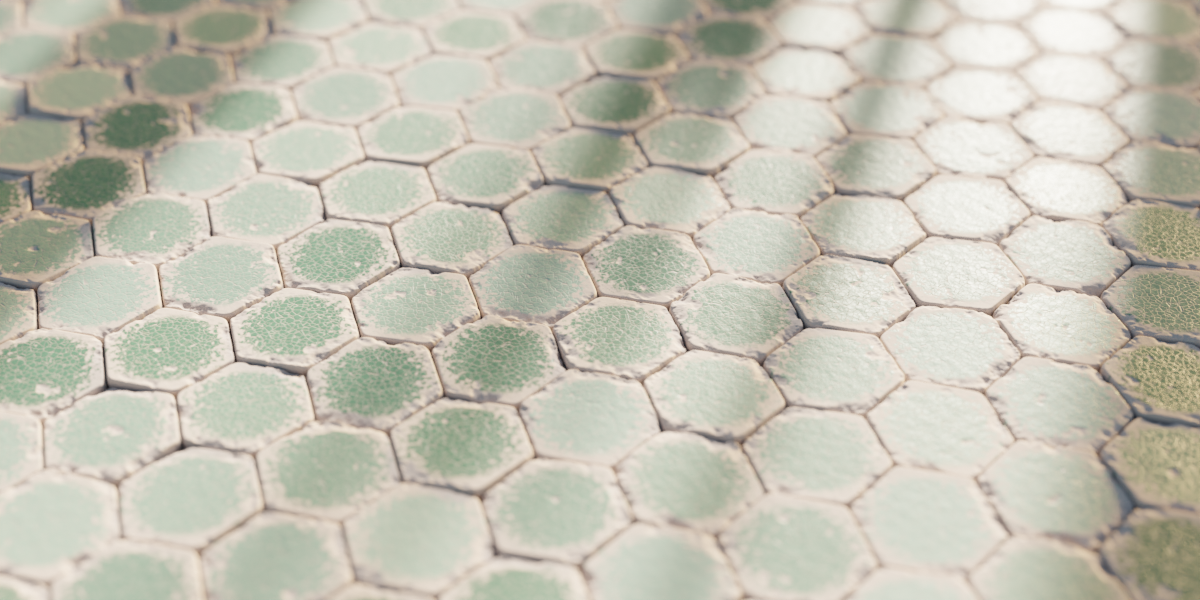
Render by Sanctus
Have your render featured here!
Do you want to be featured? Submit a render using this asset to our Discord