Tiles On Surface Texture
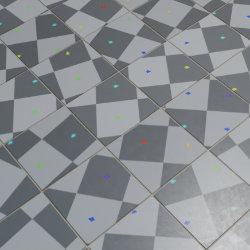
Technical Details
Asset Type: Geometry Nodes Asset
Usage
Select your MESH target object, use the Apply to Mesh button in the Addon panel to add this asset to your scene.
How to use
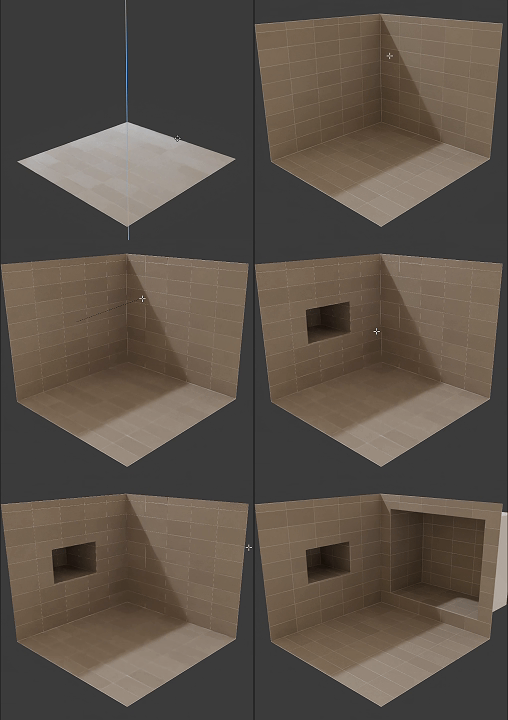
Apply to simple geometry to add tiles non-destructively, you can still alter the base mesh later.
Remove the modifier to apply a new one.
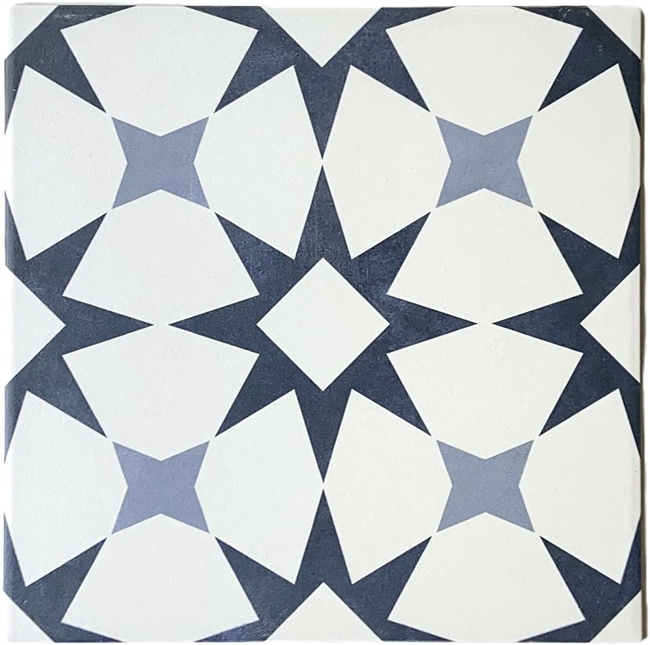
Tiles on Surface Single TEXTURE uses a special material with an image texture to replicate on each tile. You can use your own image texture sets, the only requirement is that it has a single tile pattern or design.
Image texture used:
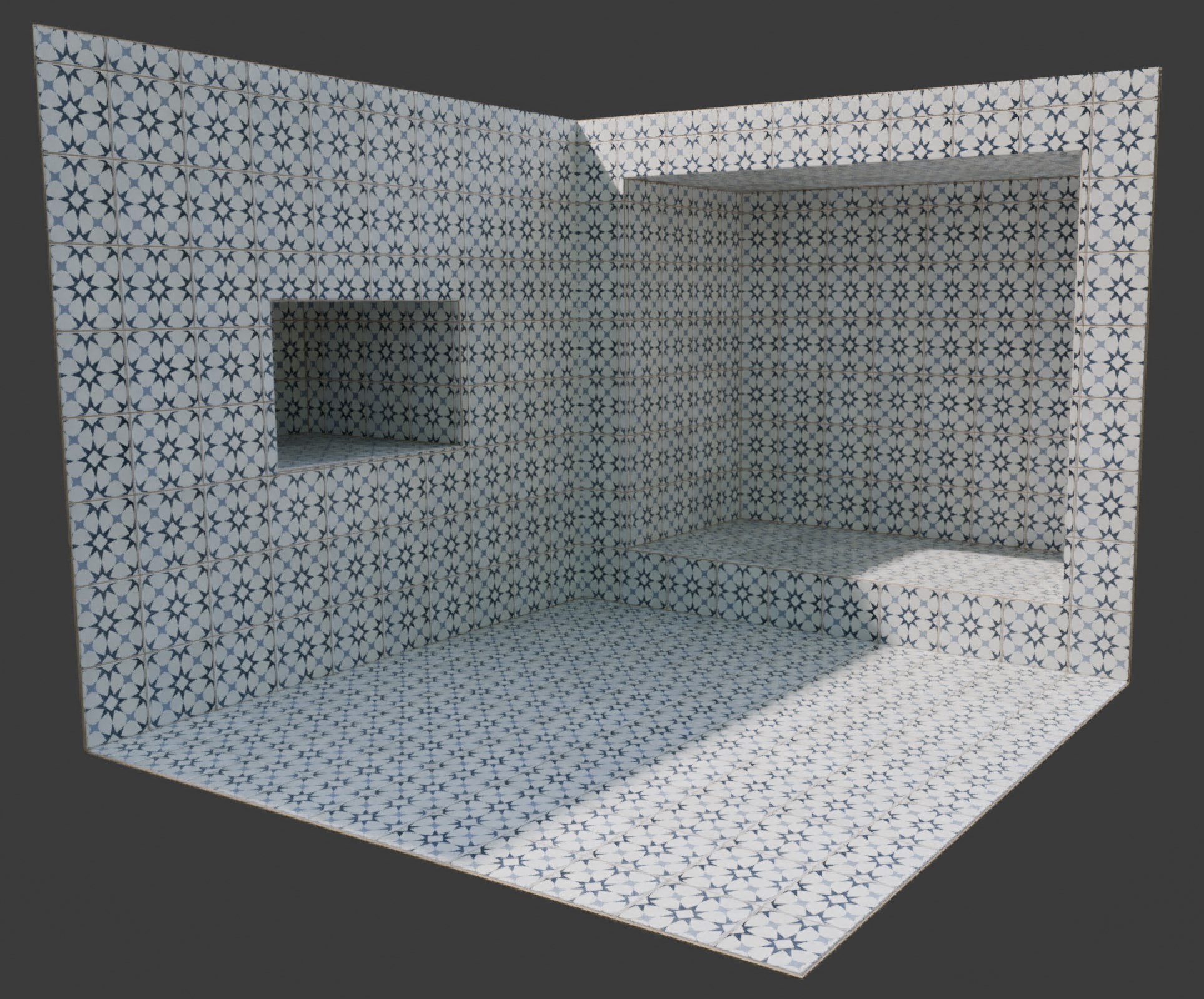
Result:
Tip
The textures doesn't need to be 1:1 aspect ratio, you can have a rectangular tile texture as long as the image texture and the tile width and length in the parameters match, it will look correctly
Parameters
UV Map Attribute: A custom attribute that can be used in the shader editor
Seed: Gives different results using the same parameters
Failsafe: Activates and Disables the failsafe
Limit: If the target object has more than these amount faces the generator will not execute
▼ TILES SIZE
Tile Width: Tile width
Tile Length: Tile length
Tile Height: Tile height
▼ TILES SURFACE
Material: Tiles material (Only visible in the modifiers tab, not the addon panel)
▼ GROUT
Grout Color: Grout color
Tiles Separation: Separation between tiles
Panels Separation: Separation between walls (walls are separated by angle)
Material: Tiles material (Only visible in the modifiers tab, not the addon panel)
▼ TILES PATTERN
Offset Rows: Offset every other row
X Offset Tiles: Offset tiles on local X axis
Y Offset Tiles: Offset tiles on local Y axis
Floor/Ceiling Alignment: This parameter switches the alignment of floor and ceiling to either X or Y axis
User's Gallery
Have your render featured here!
Do you want to be featured? Submit a render using this asset to our Discord