Tiles On Surface Custom
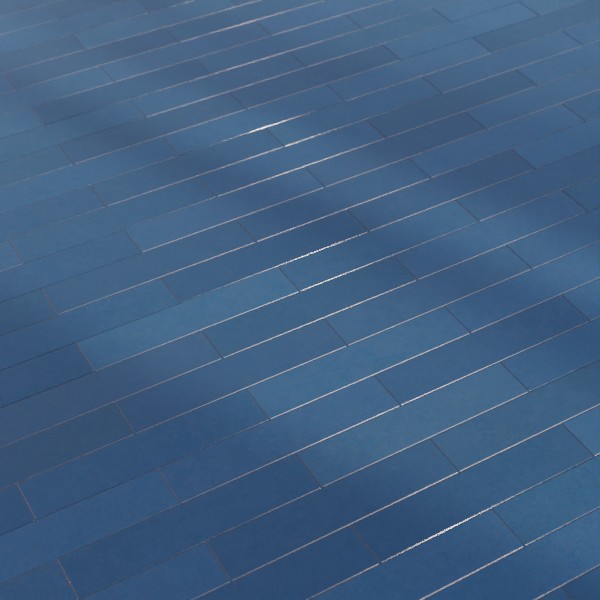
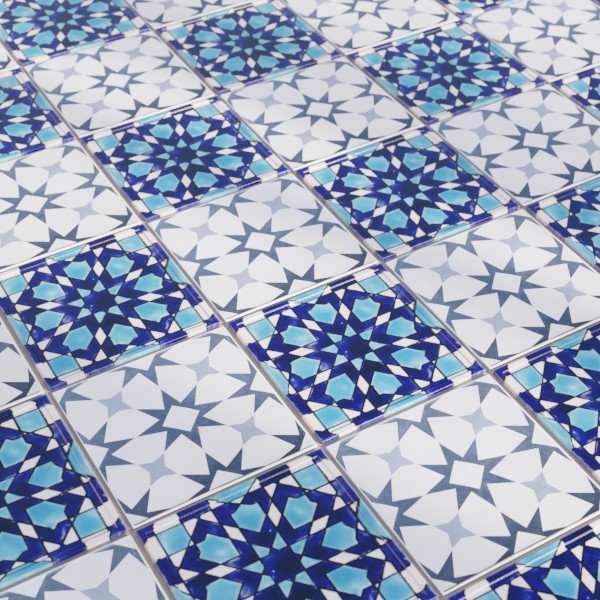
Technical Details
Asset Type: Geometry Nodes Asset
Usage
Select your MESH target object, use the Apply to Mesh button in the Addon panel to add this asset to your scene.
How to use
Apply to simple geometry to add tiles non-destructively, you can still alter the base mesh later.
Remove the modifier to apply a new one.
Tiles CUSTOM uses custom tiles from a collection. You can use your own tiles, the only requirement is that if you have more than one in the collection, they all have the same dimensions.
Remember to apply scale and keep a real world reasonable dimension for your tiles.
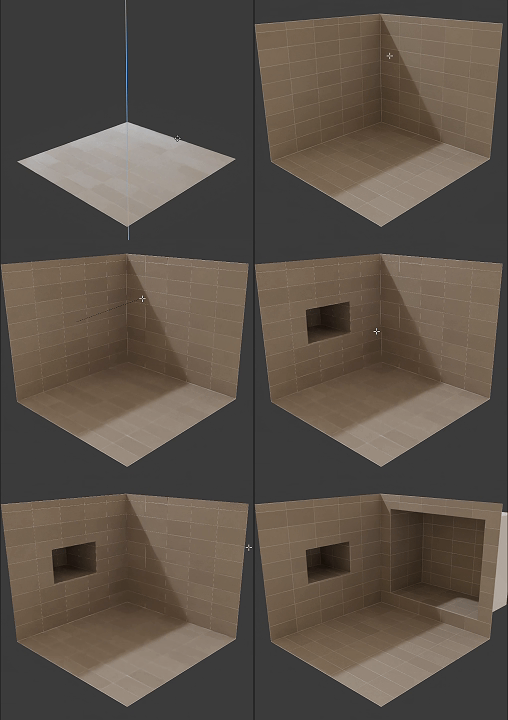
Parameters
Random Value per Tile: An atribute that gives a random value per tile. Usable in the shader editor.
Seed: Gives different results using the same parameters
Failsafe: Activates and Disables the failsafe
Limit: If the target object has more than these amount faces the generator will not execute
▼ TILES
Collection: The collection where you have your personalized tiles
Order: Switch between RANDOM and CHECKERS distribution of tiles from the collection (if there is more than one)
▼ GROUT
Grout Color: Grout color
Tiles Separation: Separation between tiles
Panels Separation: Separation between walls (walls are separated by angle)
Material: Grout material
▼ TILES PATTERN
Offset Rows: Offset every other row
X Offset Tiles: Offset tiles in X axis direction
Y Offset Tiles: Offset tiles on Y axis direction
Floor/Ceiling Alignment: This parameter switches the alignment of floor and ceiling to either X or Y axis
User's Gallery
Have your render featured here!
Do you want to be featured? Submit a render using this asset to our Discord