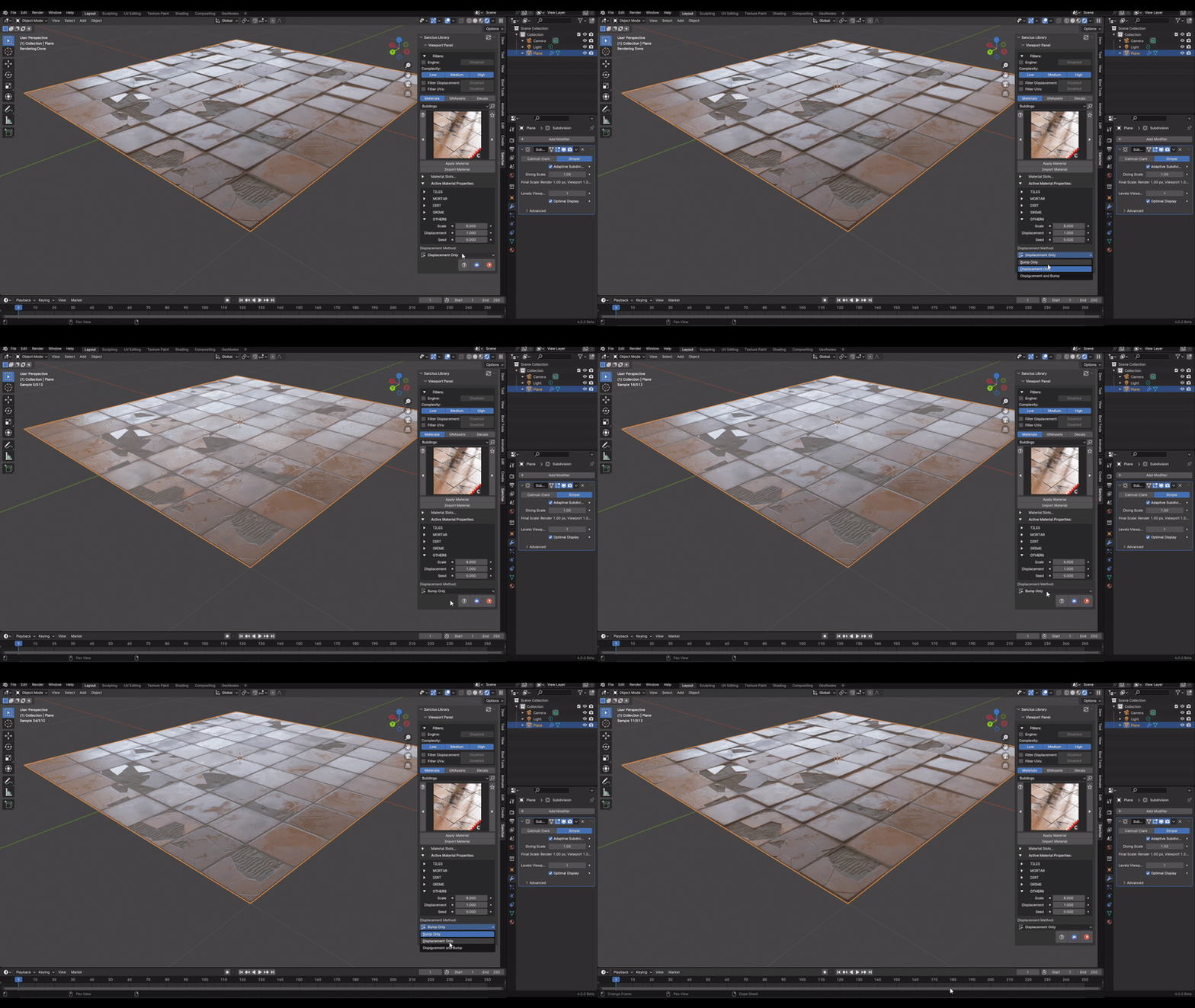
Materials with Displacement
This section covers the use of displacement maps within Sanctus Library.
Understanding Displacement
Displacement alters the actual geometry of a mesh during rendering, creating a highly detailed surface. This differs from bump mapping, which only simulates surface detail by modifying the normals.
Preparing Your File for Displacement Materials
Proper file setup is crucial for effective displacement. This video demonstrates the necessary steps.
Using Bump Mapping as an Alternative
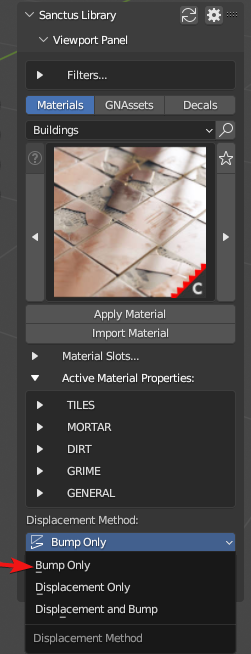
In situations where the desired displacement effect is subtle, consider using bump mapping instead. This can be achieved by setting the displacement method to "Bump Only". This often provides a performance benefit.
Note
Using "Bump Only" is typically faster to render compared to actual displacement.