Vintage Star Tiles
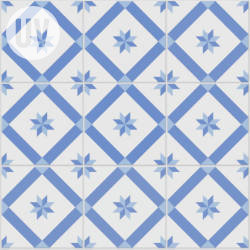
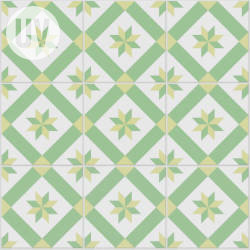
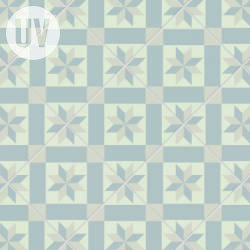
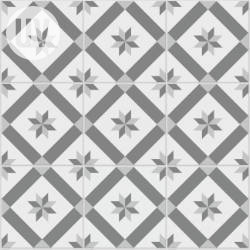
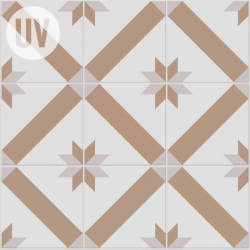
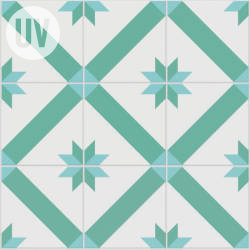
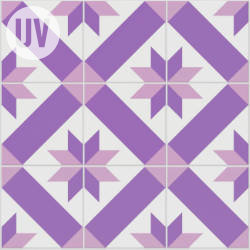
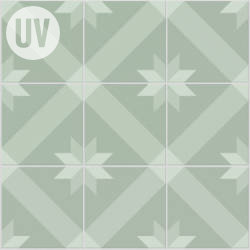
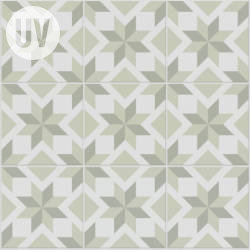
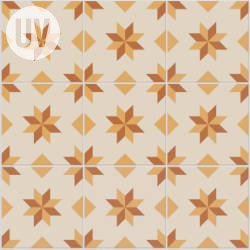
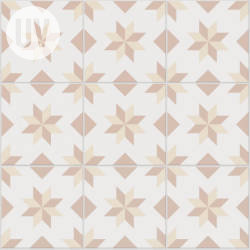
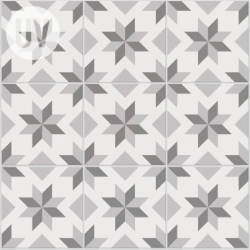
Technical Details
Render Engines Compatibility: Cycles & Eevee
Requires Displacement: No
Requires UVs: Yes
Processing/Complexity: Low
Can be baked: Yes (How to bake materials)
Parameters
Overall Scale: Overall Scale
Bump/Displacement: Switch Between Bump and Displacement methods
Seed: Gives different results using the same parameters
▼ TILES
Size: Tile Size (a 0.2 by 0.2 tile will fit 5 times on each direction on an overall scale of 1)
Offset row: Offset every other row position
Roughness: Tiles surface roughness
Height: Tiles height (increase bump or displacement depending on the method you are using)
Angle: Tiles placement angle
▼ PATTERN
Pattern Scale: Pattern Scale
Color 1: Color 1
Color 2: Color 2
Color 3: Color 3
Color Variation: Add variation of color between tiles
▼ MORTAR
Adjust Coords: When active the separation between tiles will offset the tile pattern/texture instead of covering it. Here is an exaggerated example:
Thickness: Documentation in progress...
Color: Documentation in progress...
Roughness: Tiles surface roughness
replace_vector: An input where you can replace the default vector, you can for example plug a UV Map node with a Mapping node or any other texture coordinate.
Adjusting mapping and stretched textures
User's Gallery
Have your render featured here!
Do you want to be featured? Submit a render using this asset to our Discord